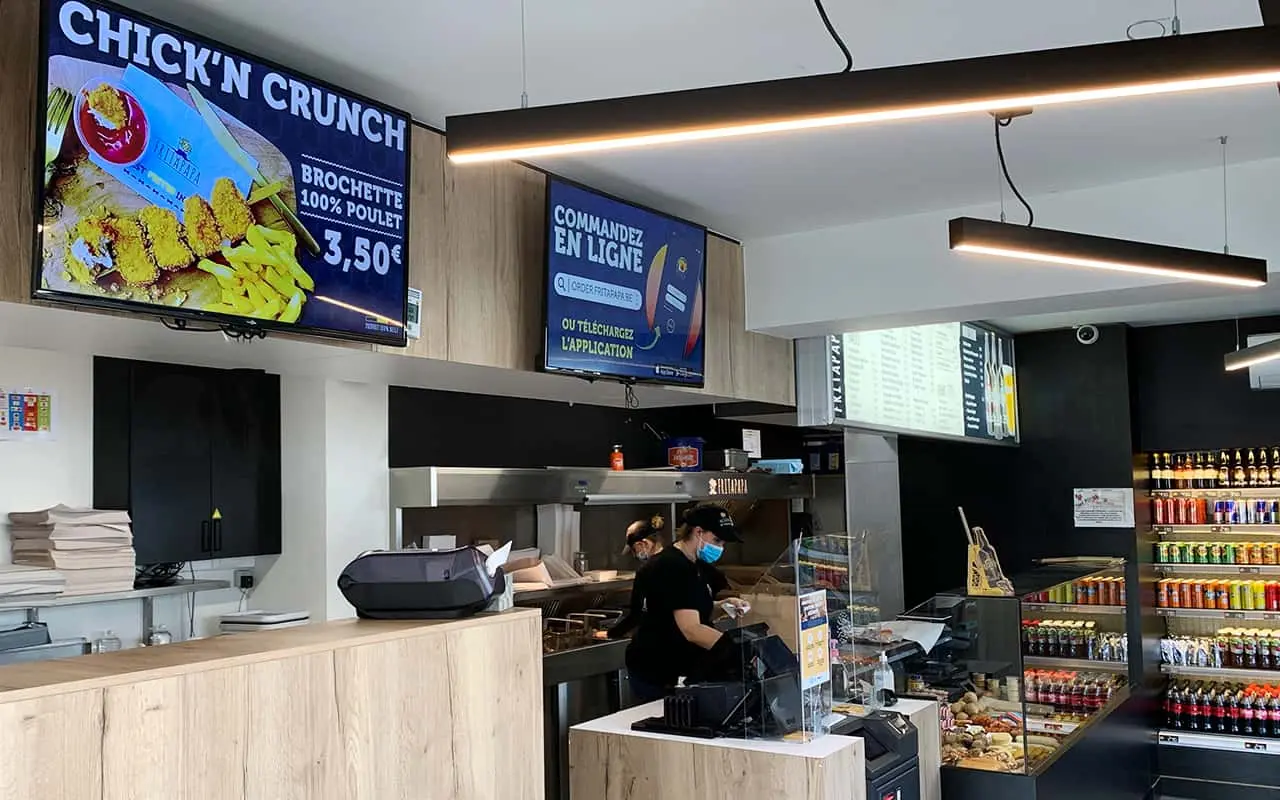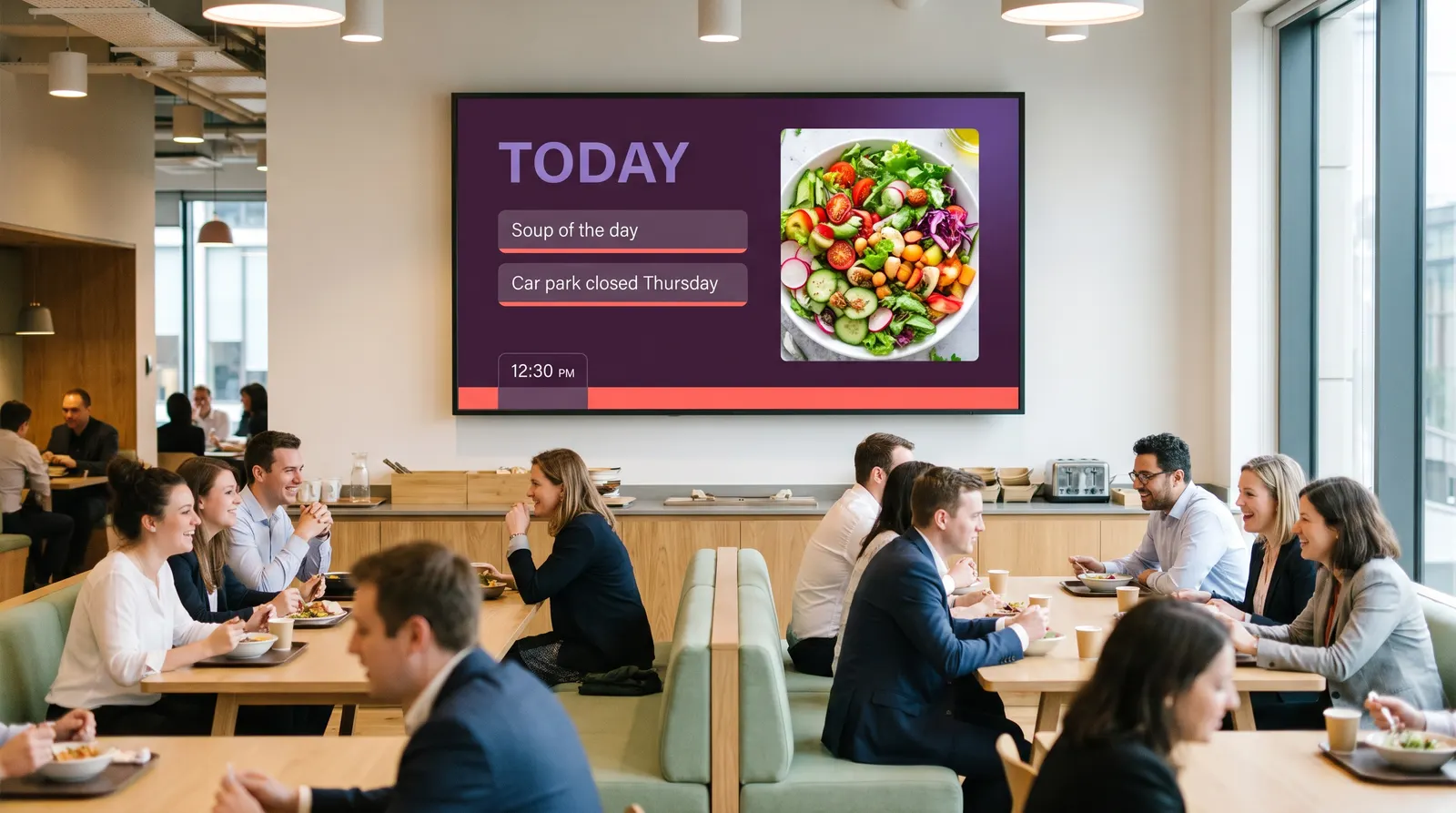
We needed to display information in our staff canteen. I found easyCMS online and from the beginning the support was great. They helped me create a unique design and now I am able to use it on my own.
Who they are
The InterContinental Warszawa is a five-star hotel in the centre of Warsaw. A hotel on that scale runs on people: reception, housekeeping, the kitchens, the restaurants, engineering and the back office, on shifts that cover every hour of the week. Most of them never sit at a computer during a shift.
What they needed
Not the lobby. The screens are in the staff canteen, the one room every department passes through every day. Human Resources wanted a way to put information in front of staff that a noticeboard was not managing: what is on this week, what has changed, what HR needs every shift to have seen. A printed notice reaches the people who happen to look at it. A screen in the canteen reaches everyone who eats.
How it started
Joanna Pasek found easyCMS online. The first layout was designed together with us: the hotel’s own look, and zones for each kind of message HR wanted to show. Then it was handed over. She runs it herself now, which was the point of doing it that way. The design is done once; the updates are text.
How it is set up
The canteen screens sit on one easyCMS account and are updated from the HR office, in the browser, with no ticket to IT and no software to install. The layout is a template: the parts that change, the message and the date, are edited in the CMS, and the design does not move. A notice can be scheduled ahead of time, so the announcement for Monday morning can be written on Friday and appears on its own.
What makes this a good first screen for a hotel is where it is. Nobody is judging the typography in the staff canteen in week one, so the team learns the CMS where mistakes are cheap. The lobby, the meeting-room doors and the restaurant menus can come later on the same account, and the people who will run them already know how.
What changed
The information HR needs staff to see is on a screen in the room where staff are, updated by the person who writes it. Ms Pasek’s own words are above: great support from the beginning, a design made for them, and then the ability to run it alone.
If your hotel is thinking about screens, guest-facing or not, start with digital signage for hotels and hospitality, which goes through where hotels usually begin and why. For the same idea in an office, see internal communication on screens.
A set-up like this, priced for 2 screens
115 € once. 49 € account with one licence, plus 1 × 66 €. Licences added later, one at a time, are 99 € each: 148 € in total.
A worked example, not the customer's invoice: the real screen count is theirs to publish, not ours.
| Software for 2 screens | Year one | Five years |
|---|---|---|
| easyCMS, Account account | 115 € | 115 € |
| Xibo Cloud Professional, 4.4 € per screen per month | 105.6 € | 528 € |
| Yodeck Basic, 8 USD per screen per month (indicative, not converted) | 192 USD | 960 USD |
Subscription prices from the Digital Signage Pricing Index, checked 1 October 2026. Software only; the screens, players and installation cost the same whichever CMS runs them. Try your own numbers in the cost calculator.