Digital signage you buy once.
Pick a template, type your words over it and play it on your screens, from your phone or your computer. That is easyCMS Studio. One payment, no subscription.
249 templates included · Nothing to renew · EU company since 2014

Pick a menu design made for restaurants.
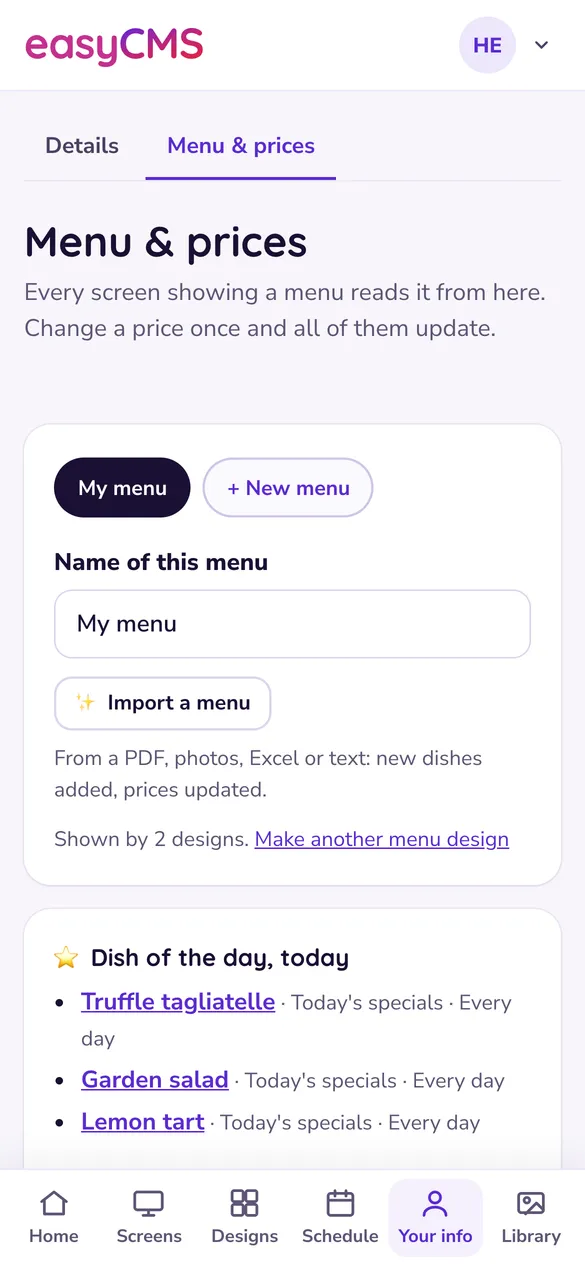
Change a price once. Every menu screen updates.
Tick the screens and say when: weekdays at lunch.
See how often each design played, screen by screen.
Pick a rates board. Exchange rate boards are an add-on.
Set your margin. Buy and sell rates follow the official rate.
Send it to the window and the counter, all day.
Proof that your rates were on screen all week.
Pick a sign for the door of a meeting room.
Add a booking, or link the room's calendar.
Send it to the screen by the door.
See that every sign ran all week.
Tick the photos and videos you want to show.
Name the playlist and set the seconds per photo.
Play it in the shop window, on the dates you choose.
See how many times each photo was shown.
The easy way to run your screens
Big buttons, plain words, and only the jobs you do every week. It runs in your browser on a phone, a tablet or a computer, with nothing to install.
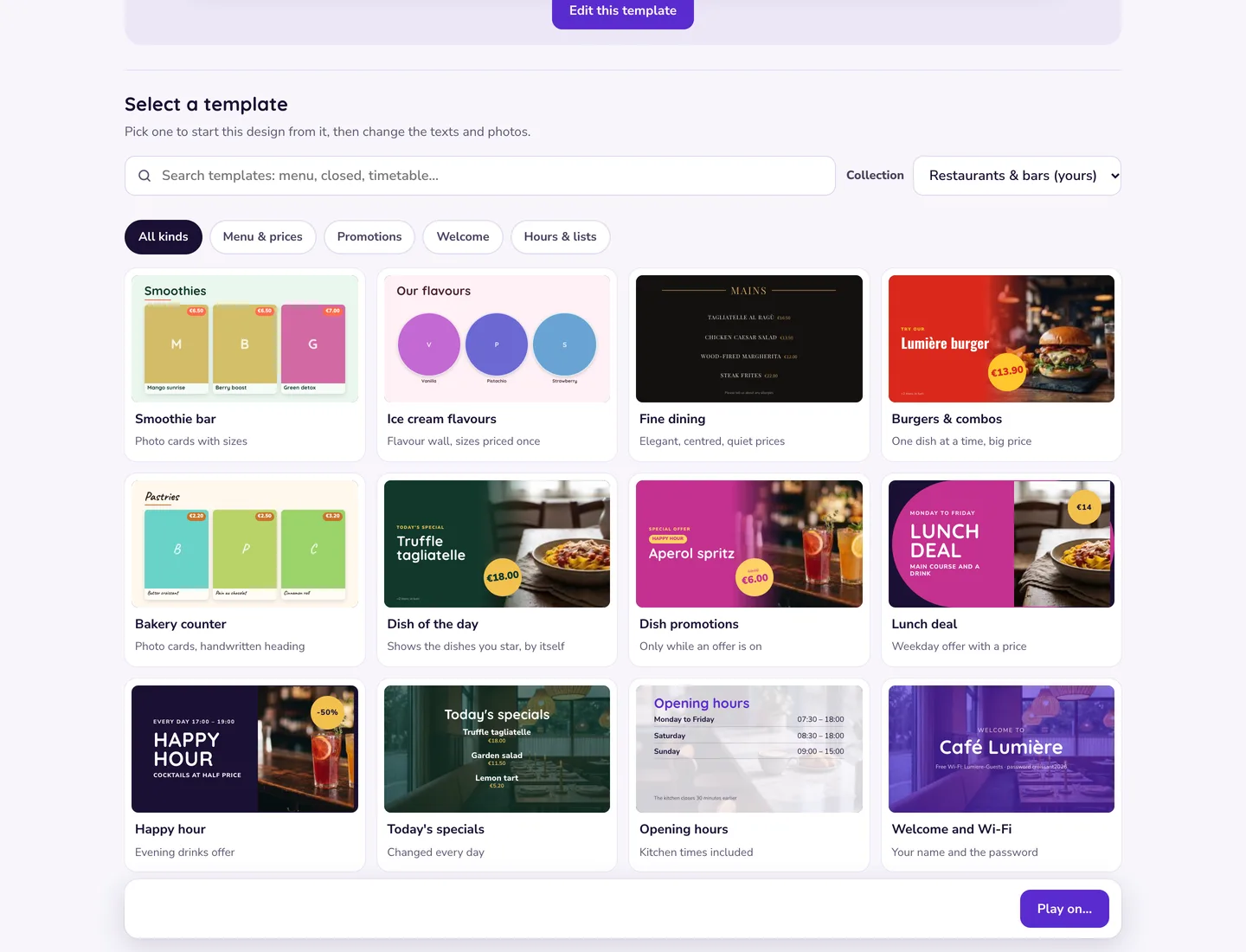
Start from a design made for your business
Tell Studio what kind of business you are and it shows your designs first: menus for a restaurant, timetables for a gym. Search all 249 templates any time.
- 12 collections, from restaurants to exchange offices
- 76 ready-made sets for two to four screens side by side
- Sample texts and photos in place, so it looks finished from the start
- Included with every account; only exchange rate boards are an add-on
-
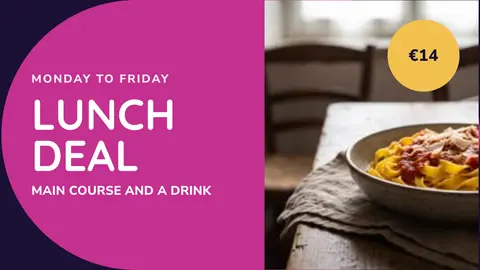 Restaurants & bars Lunch deal 85 templates →
 -
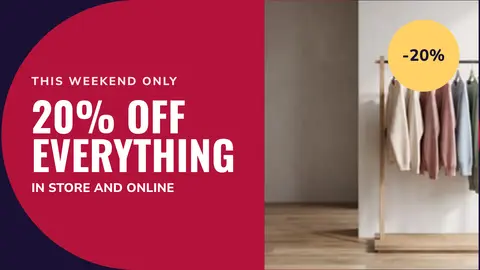 Shops Window offer 8 templates →
 -
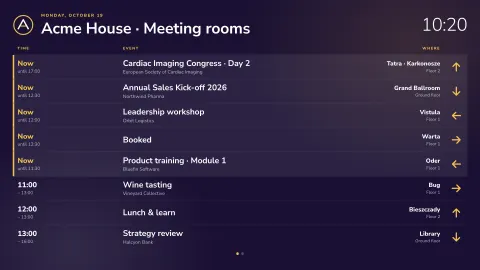 Offices Meeting rooms board 17 templates →
 -
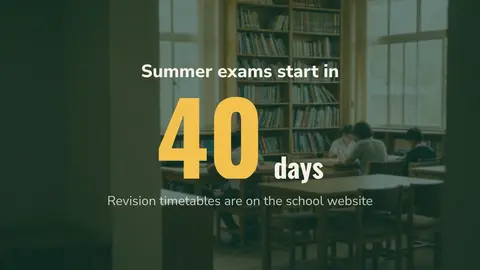 Schools Exam countdown 10 templates →
 -
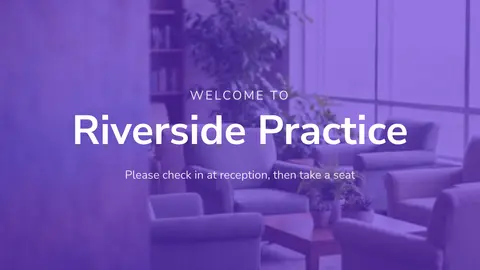 Healthcare Waiting room welcome 11 templates →
 -
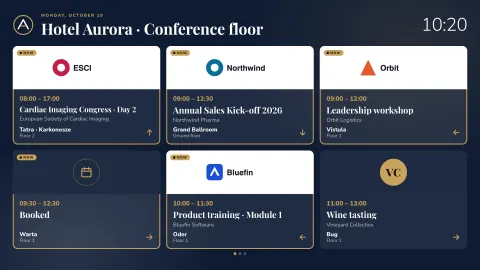 Hotels & venues Events with logos 14 templates →
 -
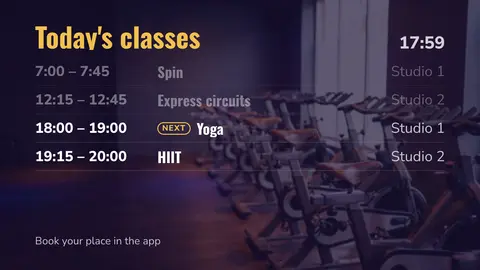 Gyms & sports Today's classes 9 templates →
 -
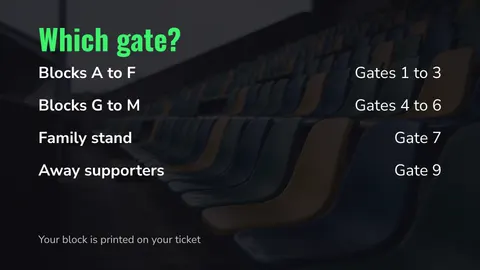 Sports arenas & stadiums Which gate? 58 templates →
 -
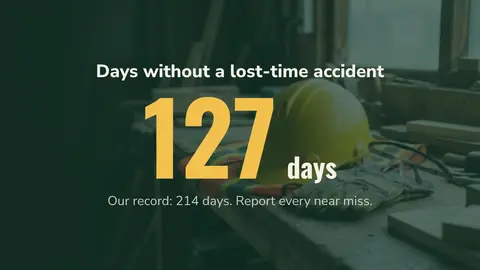 Factories & warehouses Days without an accident 9 templates →
 -
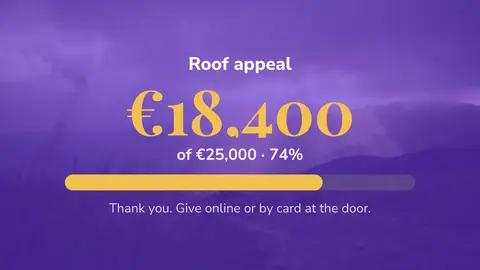 Churches Appeal 7 templates →
 -
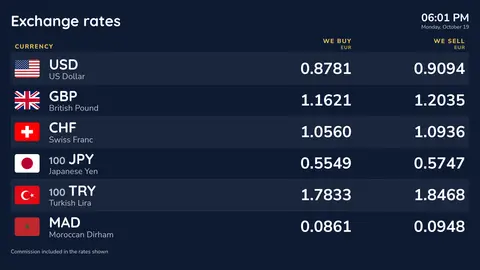 Currency exchange Window wall 10 templates →
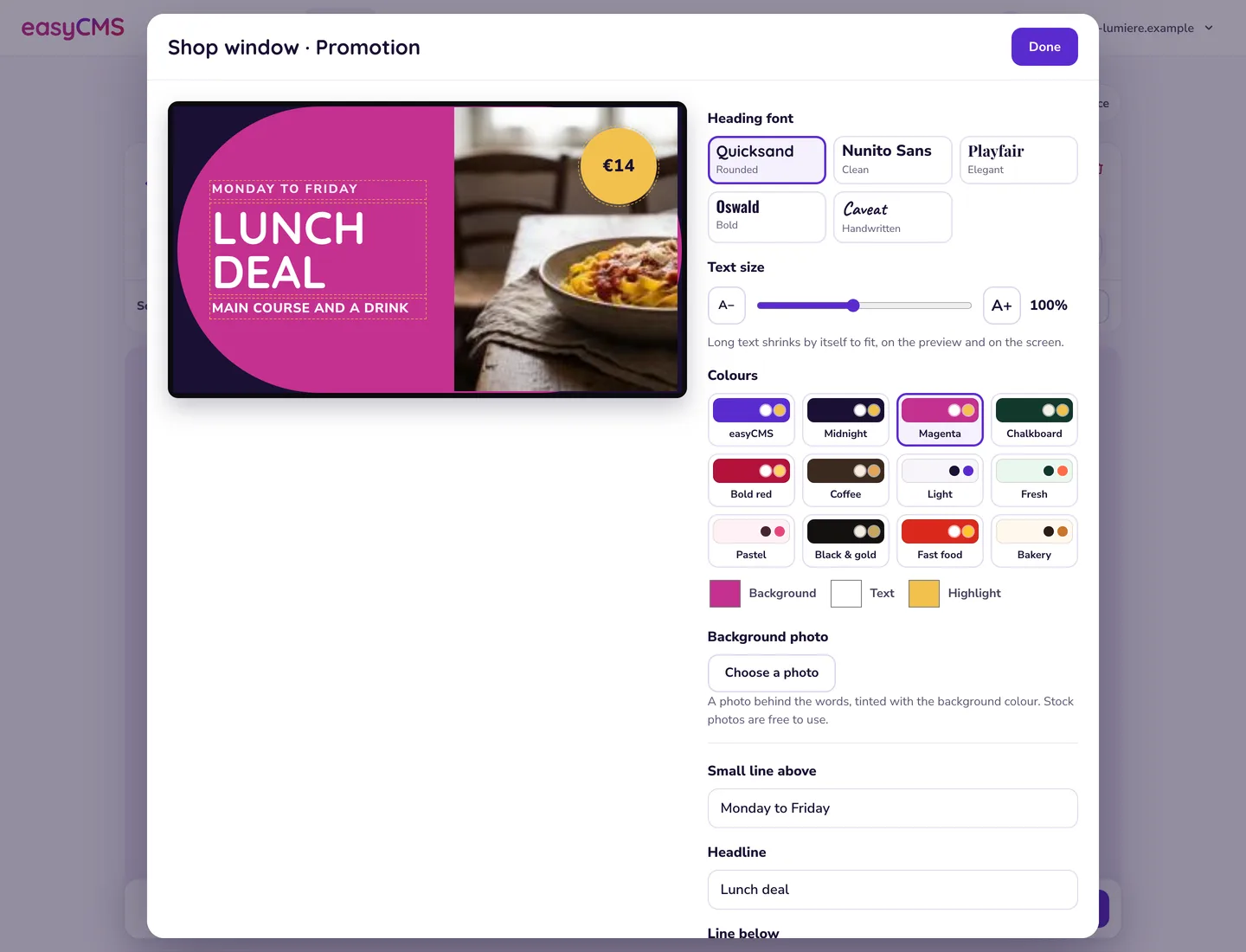
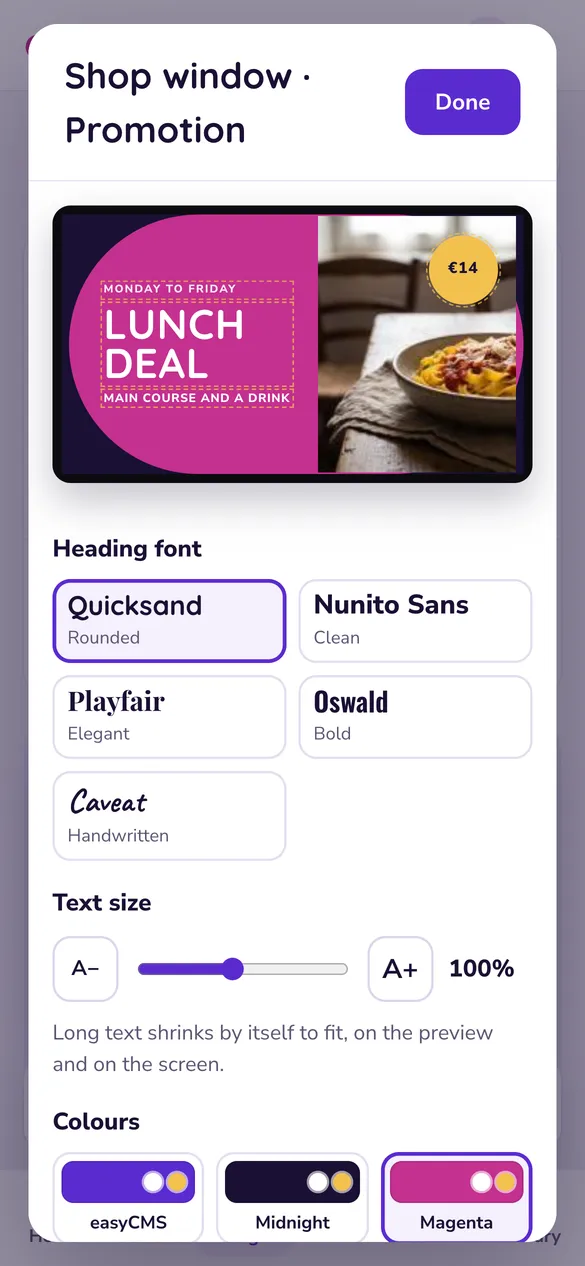
Change the words, and it is ready
Type straight onto the preview. Pick a font, colours and a photo, your own or a free stock photo. Long text shrinks to fit, so nothing is cut off.
- What you see in Studio is what plays on the wall
- Landscape, portrait, or any size for LED walls
- Menus read your dishes and prices from one list
- Your name, hours and Wi-Fi typed once, used everywhere
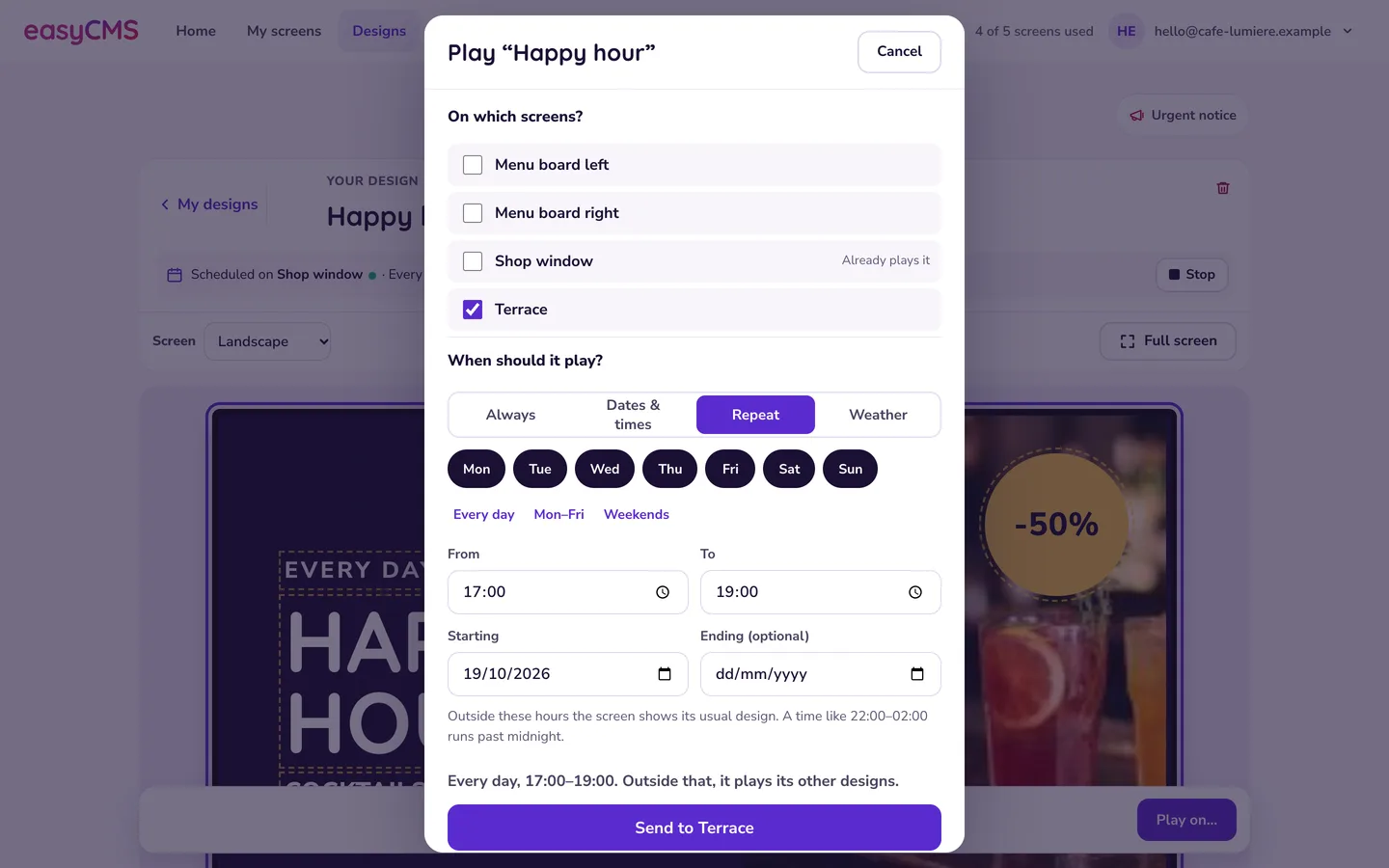
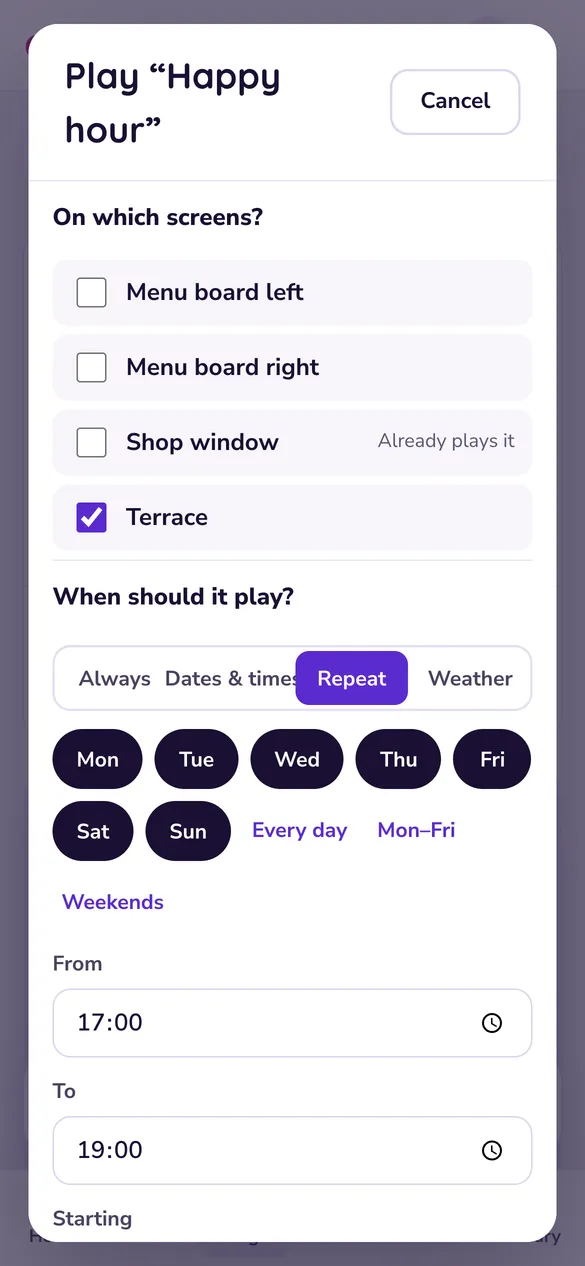
Now, every weekday at noon, or when it rains
Tick the screens and say when. A timed design takes over in its slot, then the screen goes back to its usual design.
- Always, on dates, or repeating on the days you choose
- Weather triggers: rain, sunshine, colder or warmer than you set
- Groups of screens, so a new screen gets the design too
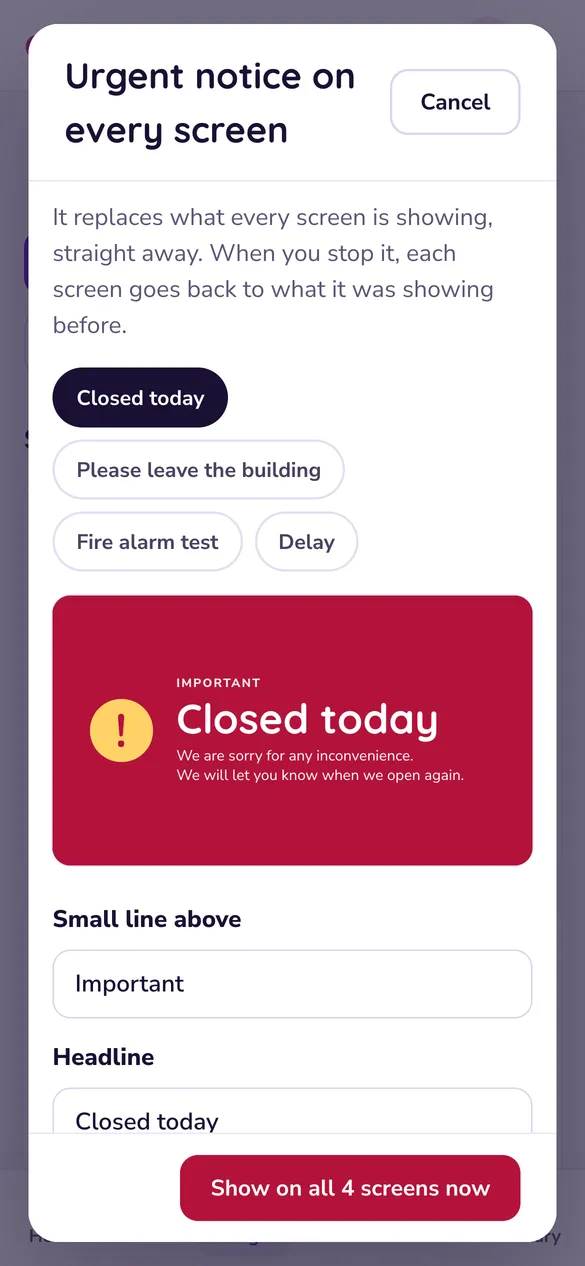
- An urgent notice on every screen at once, and Stop to undo it
Know what is on the wall without walking to it
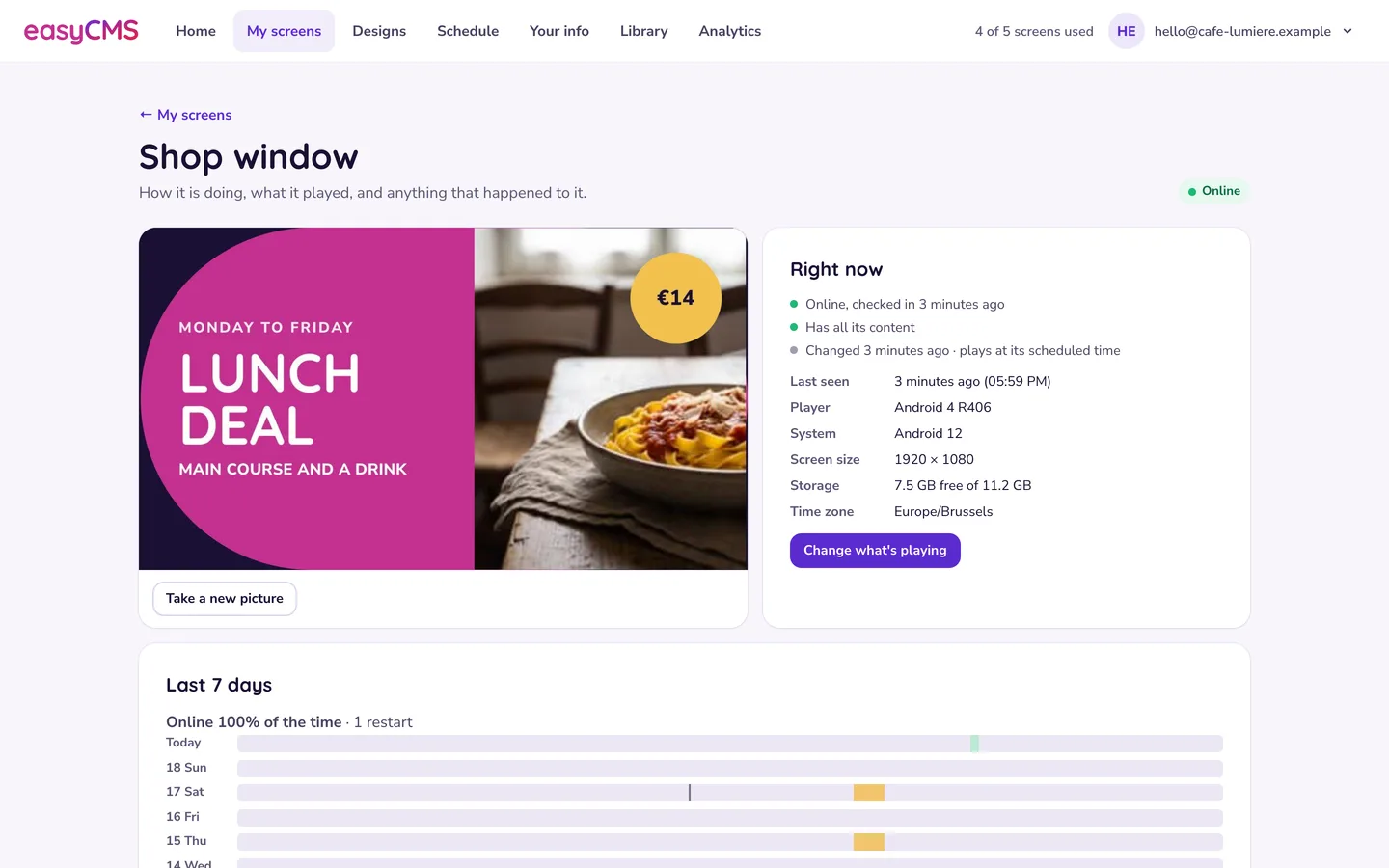
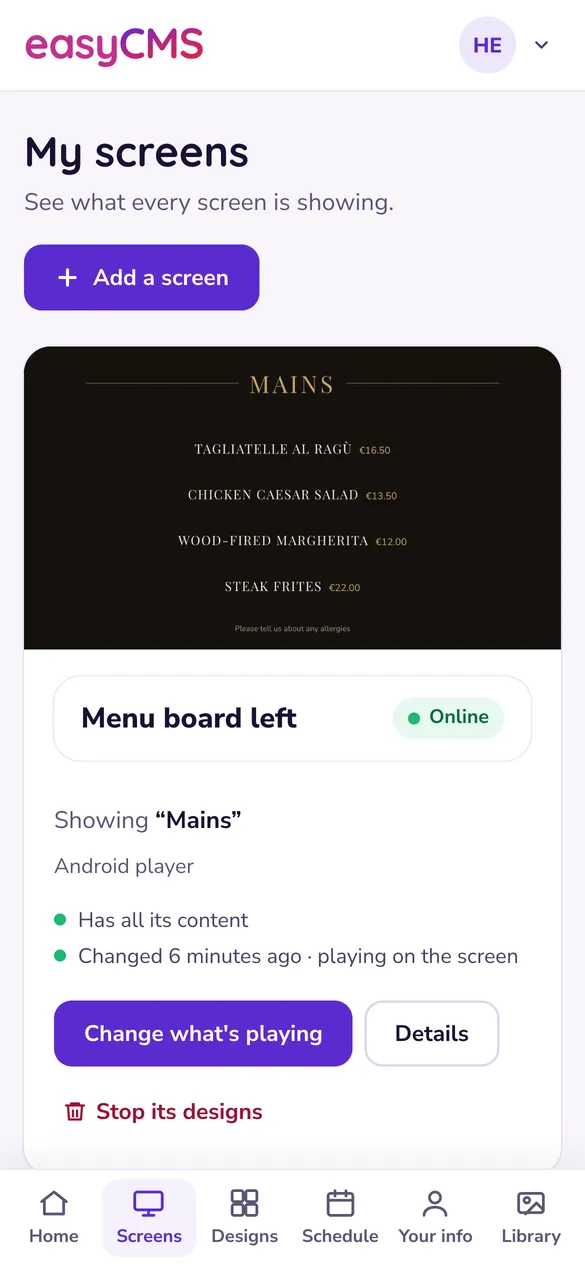
Studio's Home page shows every screen and what it is playing. Open one for a fresh picture of the screen and its last seven days.
- Online, offline and "still downloading", in plain words
- A picture of the screen on demand
- Analytics: what played, where and for how long, as CSV or PDF
- Add a screen in a few minutes, guided step by step
Built for the phone in your pocket
Change the lunch offer from the kitchen, or close every screen for the day from home.
Read the Studio introduction →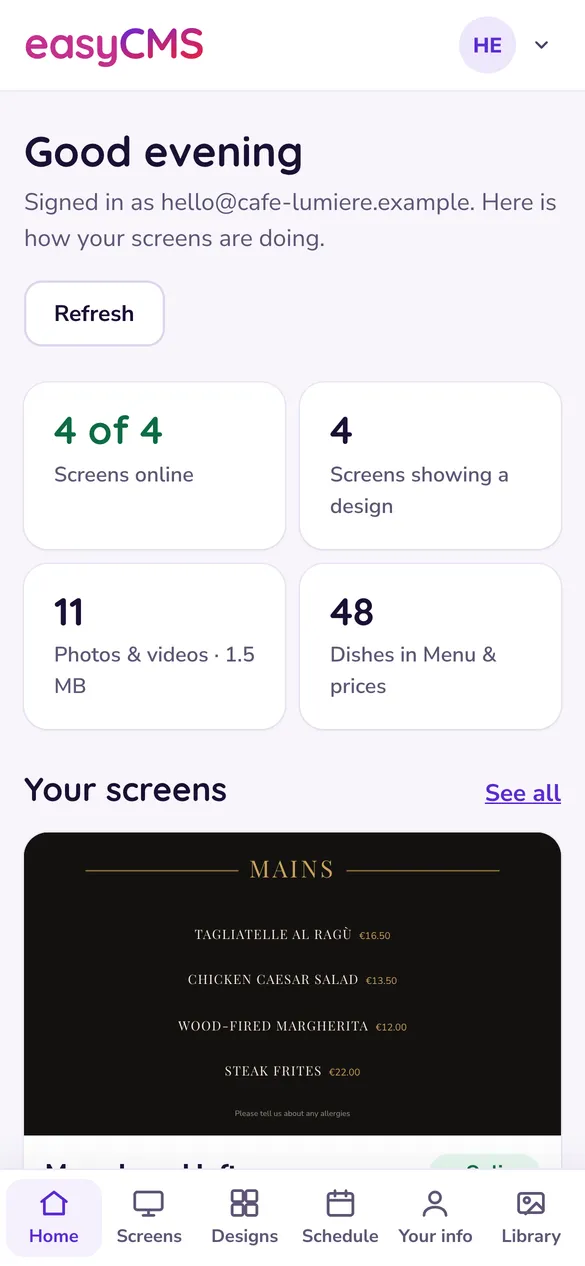
249 templates, ready when you are
Real Studio templates, shown as they play on the screen. Change the words and it is yours.
-
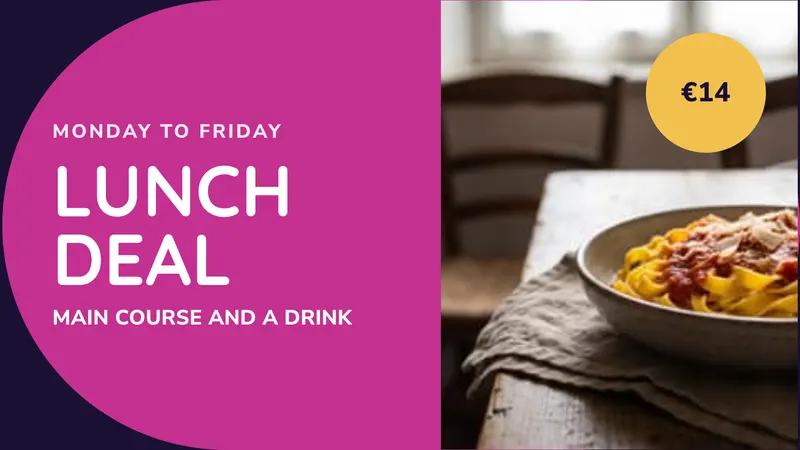 Lunch deal Weekday offer with a price Promotions
 -
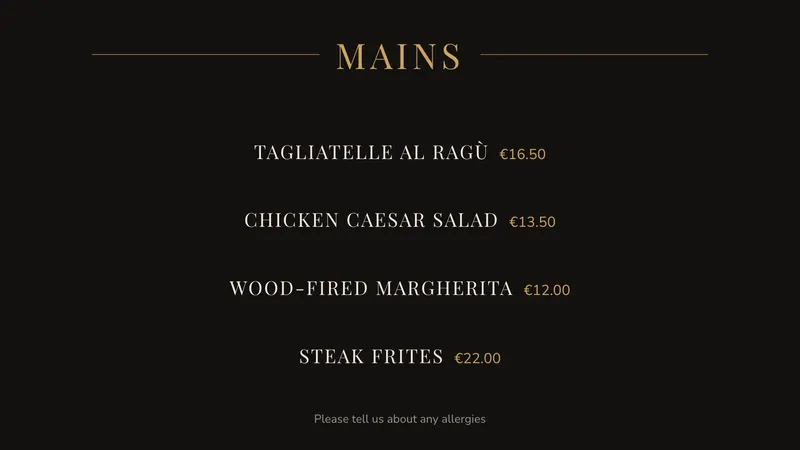 Fine dining Elegant, centred, quiet prices Menus & prices
 -
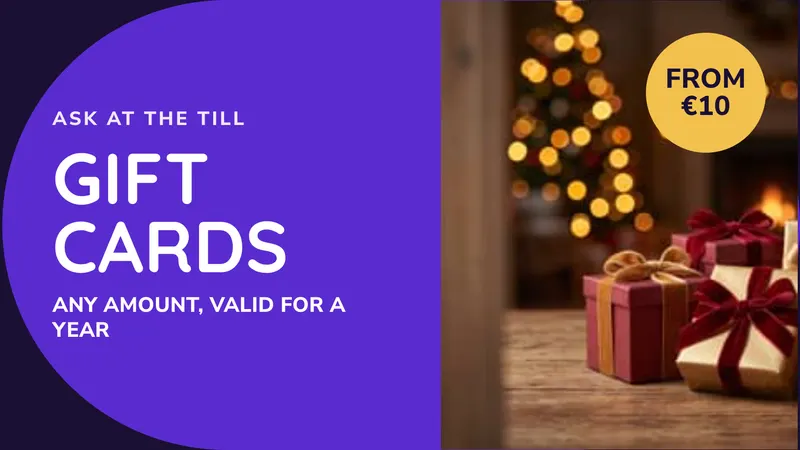 At the till An add-on for the queue Promotions
 -
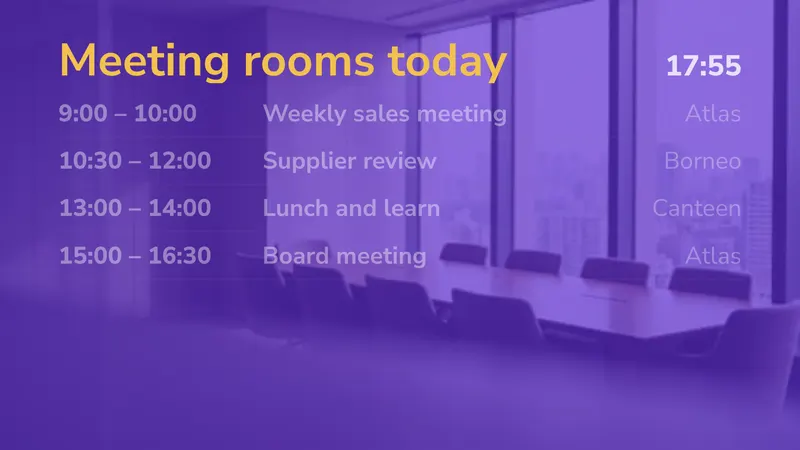 Meeting rooms today What is on now and next Timetables
 -
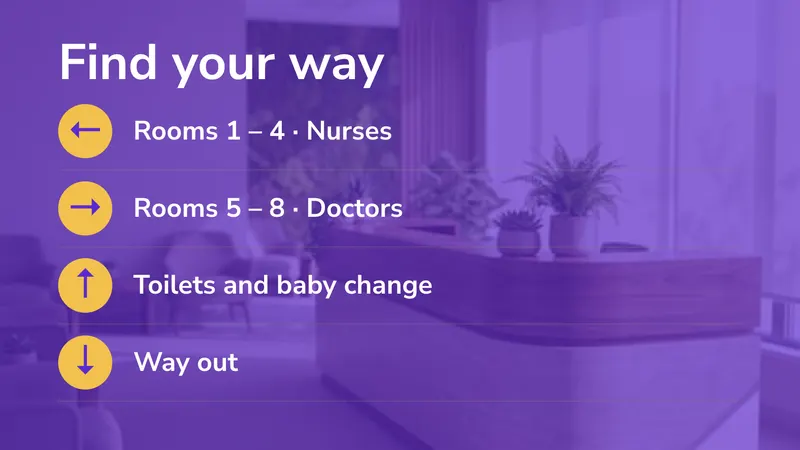 Which way Rooms, toilets, the way out Directions
 -
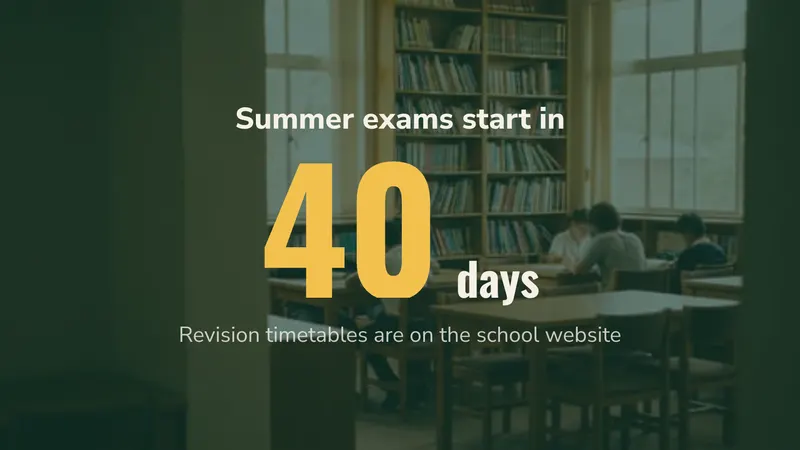 Exam countdown Days until the exams start Countdowns & goals
 -
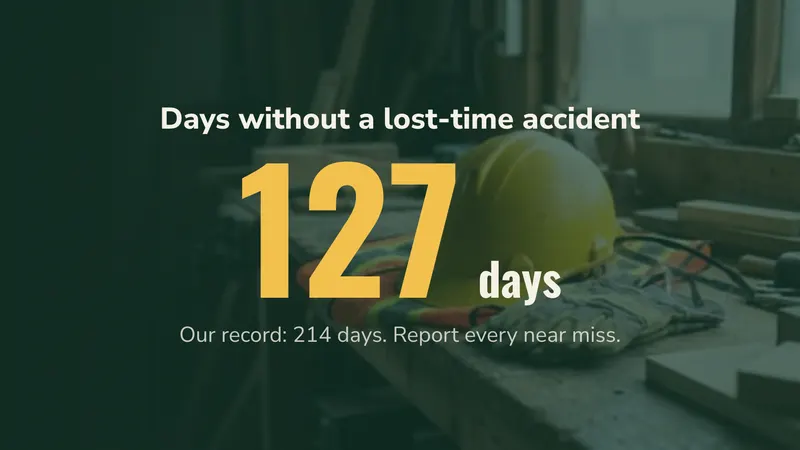 Days without an accident Counts up by itself every day Countdowns & goals
 -
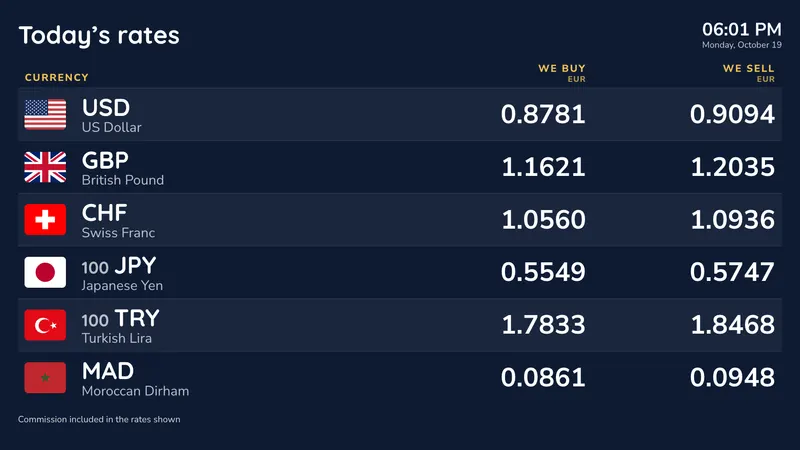 Counter grid Every currency, two columns Exchange rates
What customers, partners and reviewers say
Running screens for restaurants, hotels, schools and LED manufacturers across Europe.

We needed to display information in our staff canteen. I found easyCMS online and from the beginning the support was great. They helped me create a unique design and now I am able to use it on my own.
We are a LED display manufacturer. Sometimes our customers ask for content management software. This is why we work with easyCMS to provide us with a solution. We are happy and our customers as well.

With easyCMS we could rely on professional advice to equip our 14 fast food locations with digital signage. With this new set-up we can communicate more efficiently across our locations and increase sales.

As digital signage professionals, we specialise in hardware, especially LED displays. Thanks to our partnership with easyCMS we are able to focus on our core products and outsource the CMS.

Besides the great value in regards to the pricing, they also provide a very prompt support.
Great and easy to use software! Very helpful and resourceful support!
The setup was really easy and the training before using it was really easy to follow and all my questions could be answered.
Direct to the point. Easy to use. Very effective. Exactly what I needed and wanted.
Four customers in detail Read every review on Trustpilot
- 16 years in digital signage
- EU company · Warsaw, Poland
- CMS hosted in the EU
- Payments by Stripe
A screen playing your content today
Three steps, and nothing to install. Studio runs in your browser.
-
Buy your licence
One payment of 49€ covers the account and your first screen. Card, PayPal or bank transfer, VAT invoice included.
What the account includes → -
Plug in a player
Android, Windows, LG webOS or Samsung Tizen. Bring your own box, or take our ready-made Android player at 499€.
Supported players → -
Pick a template and play it
In easyCMS Studio, choose a template made for your business, type your words over it and send it to the screen. From your phone or your computer.
See the templates →
Everyone else charges by the screen, every month
Most signage software is rented per screen, per month. easyCMS is bought once. Here is what five screens have cost by the end of each year, software only.
| Five screens, total paid so far | Year 1 | Year 2 | Year 3 | Year 4 | Year 5 |
|---|---|---|---|---|---|
| easyCMS, paid once | 313 € | 313 € | 313 € | 313 € | 313 € |
| Xibo Cloud Professional, 4,40 € | 264 € | 528 € | 792 € | 1 056 € | 1 320 € |
| OptiSigns Standard, 7,50 € | 450 € | 900 € | 1 350 € | 1 800 € | 2 250 € |
| Yodeck Basic, 8 € | 480 € | 960 € | 1 440 € | 1 920 € | 2 400 € |
Cheaper than all three from year two, and our line never moves again.
Prices per screen per month from each vendor's site, checked September 2026. Hardware is extra everywhere.
Work out your own cost When a subscription is the better buy
Everything your screens need, on every plan
The same Studio and the same templates for one screen or a thousand. Bigger plans add more screens and users, not the basics.
Change every screen from your phone
Studio was designed for the phone first. Pick a design, choose the screens, done. It works the same on a computer.
Take the tour →Menus & prices
Every menu screen reads one list. Change a price once, mark a dish sold out, import a menu from a PDF or a photo.
Always, on dates, on repeat
Breakfast board from 07:00 to 11:00 every weekday, the weekend offer from Friday night, a rain offer only when it rains.
Your screens keep playing when the internet drops
Each screen keeps a copy of its content, so a dropped connection never means a black screen in front of your customers.
What happens offline →Type it once
Your name, logo, opening hours, Wi-Fi and team live in Your info, and every design that shows them follows along.
Screen health
Which screens are online, what each one is showing, and a fresh picture of the screen when you ask for one.
Urgent notice
Closed today, a fire alarm test, running late: one message on every screen in seconds, and Stop puts everything back.
Built for the room your screen is in
Ideas, templates and costs for your kind of business.
It runs on the screens you already have
Put a small player behind any screen, or use a signage screen that needs no box at all.
- Android Any Android box, or ours
- Windows Mini PC or existing estate
- LG webOS Signage panels, no player box
- Samsung Tizen Signage panels, no player box
Every screen needs a display licence. Our Android player includes the licence for its screen.
What do I actually pay?
49€ once for the account, with your first screen included. Each extra screen is 99€ once, or 66€ when bought in the same order; PRO is 299€ once for up to 25 screens.
Is there really no subscription?
Yes. The account, PRO and the licences are paid once, with updates included. Only Enterprise, the white-label plan, is billed yearly.
What screens and players does it work with?
Android, Windows, LG webOS and Samsung Tizen. Each screen needs its own display licence, 129€ for a Samsung Tizen or LG webOS screen, and a home TV is not a signage screen, so check the model before you buy.
What happens to my screens if easyCMS goes away?
Your media, designs and schedules are yours, and you can export them as ordinary files.
How do I get help when something breaks?
The guides and the assistant are free to everyone, no account needed. For an engineer on your own setup, book an Expert Support Hour for 25€.
Latest articles & news
Buying guides, ideas and honest comparisons.
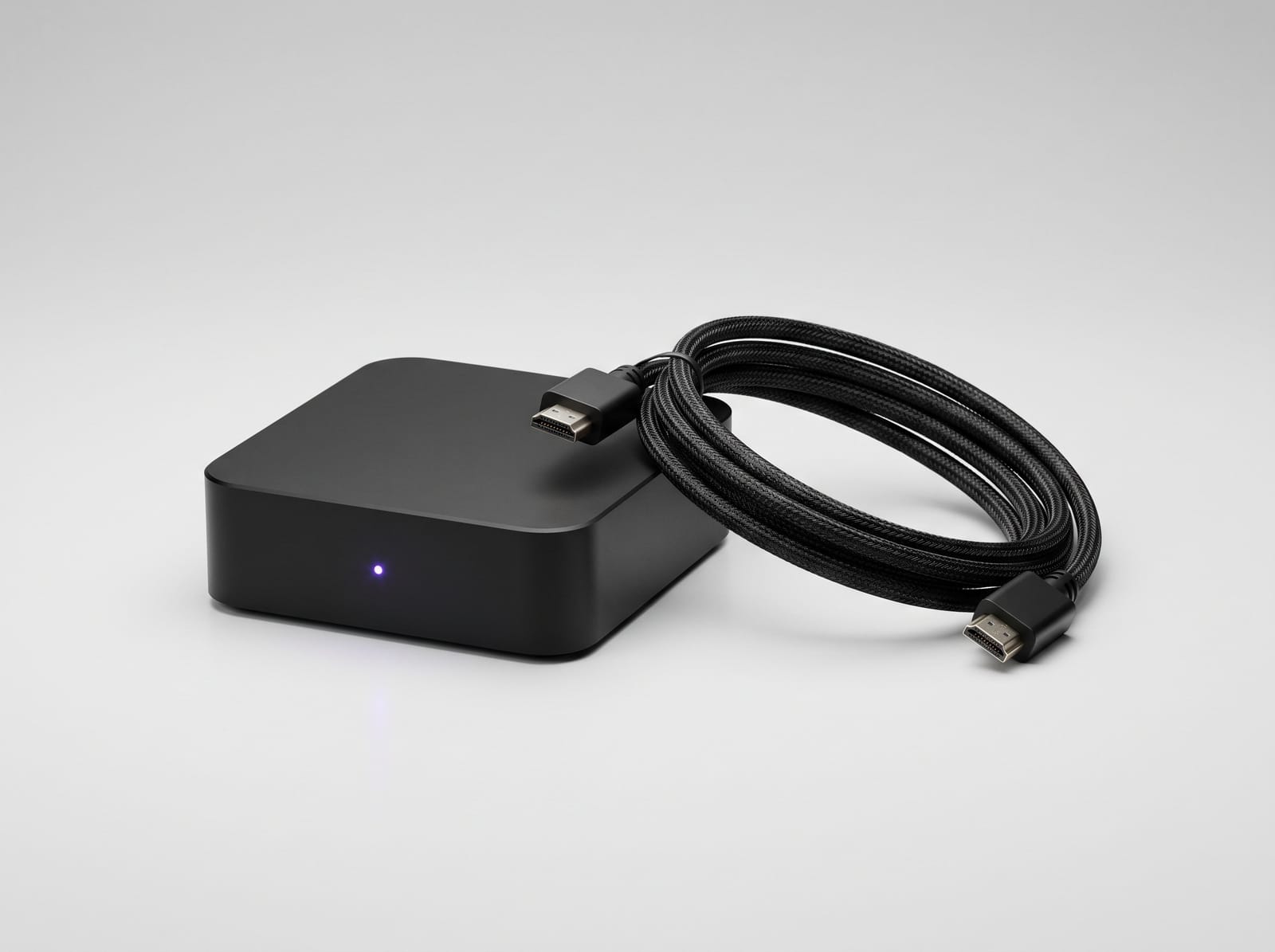
ChromeOS Digital Signage Software With No Monthly Fee
Run a Chromebox or other ChromeOS device as a signage player with easyCMS: what Google requires, kiosk set-up in the Admin console, and one payment per screen.
Read article →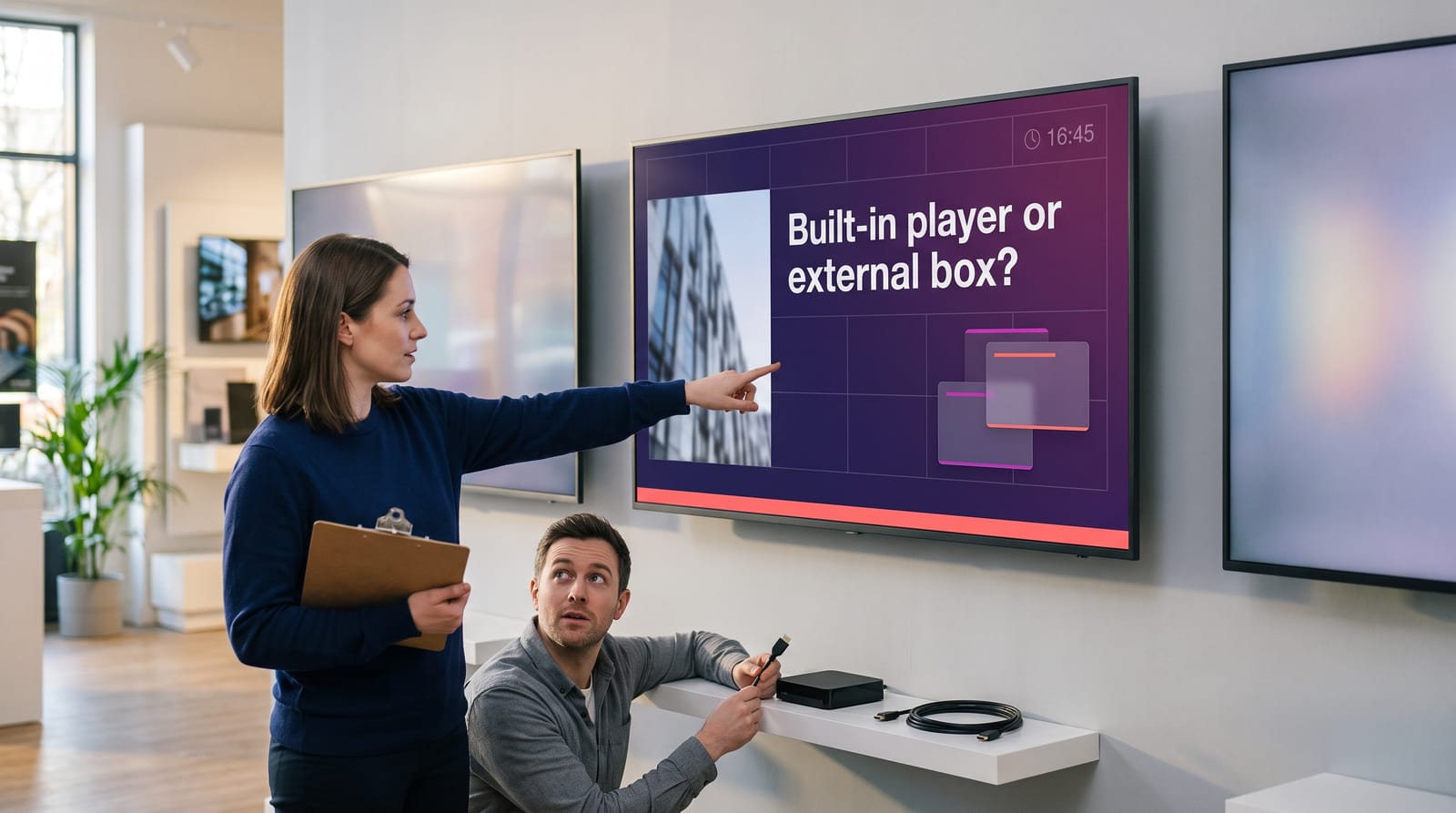
LG webOS Digital Signage Software With No Monthly Fee
Run LG webOS Signage displays with easyCMS: which LG screens work, set-up from the SI Server menu, control from your phone with Studio, and one payment per screen.
Read article →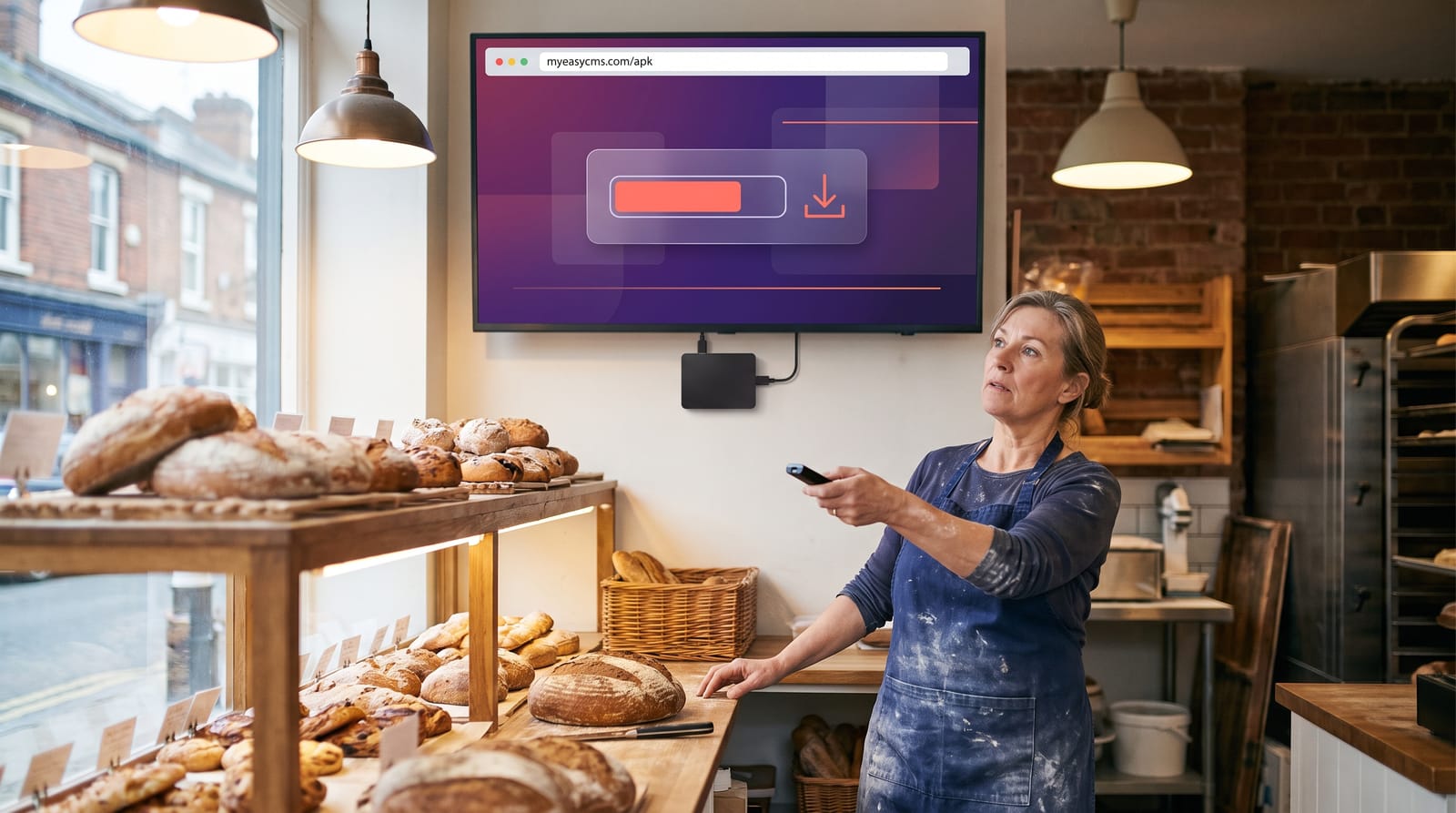
Install Android Digital Signage in One Step: No USB Stick, No Computer
Type myeasycms.com/apk into the browser on your Android box and the signage player installs from the screen itself. No computer, no USB stick, no file manager.
Read article →Create your easyCMS account
49€ once, your first display licence included. No monthly fees, no renewal, and expert support from a real person.