
A waiting room is one of the few places where people have nothing to do but wait, and they know exactly how long they have been sitting there. A screen will not make a clinic run on time. What it does is give someone something to read, and that changes how the wait feels.
This is a practical guide for GP surgeries, dental and veterinary practices, clinics, pharmacies and hospital waiting areas: what belongs on the screen, how the data protection side works, what easyCMS will not do for you, and what two or twelve screens cost.
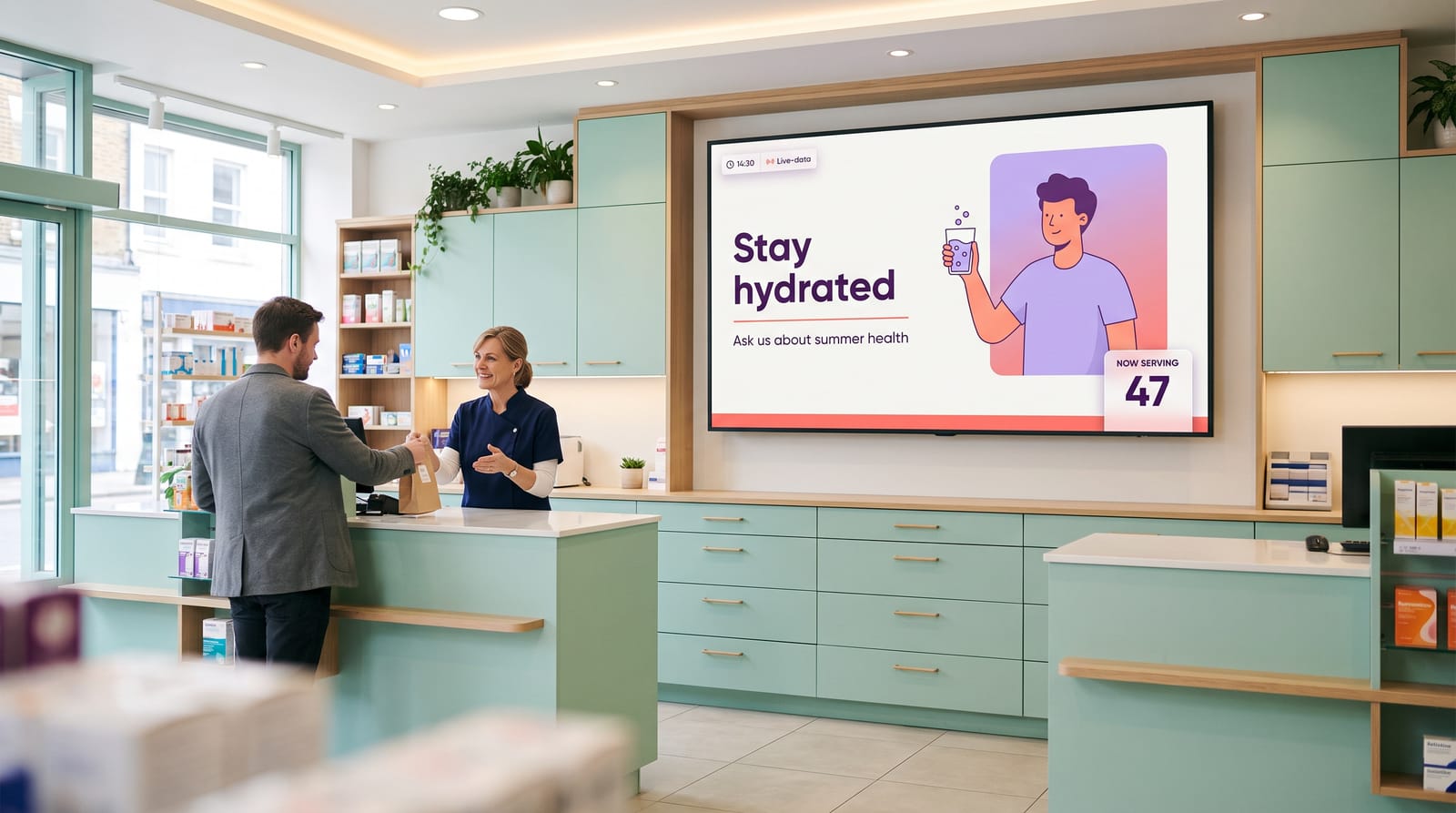
The advantages
- Reduce the perceived length of a wait
- Replace the noticeboard of curling A4 notices
- Change opening hours, cover and closures in seconds
- Run health information that suits your own patient list
- Keep screens playing when the practice network drops
- Buy the licences once, with no recurring fee
Waiting feels longer than it is
Occupied time passes faster than unoccupied time, and people tolerate a wait they understand far better than one that feels arbitrary. So a waiting room screen has two jobs: give people something worth reading, and say honestly what is happening today. A short panel explaining that the surgery is running twenty minutes behind because of an emergency this morning does more for the mood of a room than any amount of health content, and it is one text edit from a browser.
What actually goes on the screens
Opening hours, cover and out-of-hours
The most read panel in most practices. Today’s hours, lunchtime closing, bank holiday cover, the out-of-hours number, which days the nurse or hygienist is in. Keep it in a fixed zone rather than rotating it in and out, and people stop asking at the desk.
Health information for your own patient list
Seasonal vaccination reminders, self-care advice, dental hygiene, worming and vaccination schedules in a veterinary practice, medication review prompts in a pharmacy. Use your own material or material you are licensed to display. Twenty messages rotate through the space one poster used to occupy, and the stale ones retire without anyone taking a drawing pin out of a wall.
Practice news and who works here
New clinicians with photographs and roles, a new service, a change to the repeat prescription process, what you altered after the last patient survey. Faces work. A screen that introduces the person a patient is about to see does something a leaflet cannot.
A clock
Put a clock on screen. In a room where people are watching the door, a visible, correct time removes a small constant irritation and makes any wait estimate you show credible. The clock widget comes in analogue, digital and flip styles.
Arrival guidance and wayfinding
How to check in, where to queue, what to have ready, which corridor leads to which room, where the accessible toilet is. Dull content that saves reception a real number of interruptions a day.
Silent video
Short, quiet, slow-moving clips: a practice tour, a procedure explained without gore, an animal welfare film in a veterinary waiting room. Keep the cut rate low. Fast editing in a room full of anxious people is the wrong texture.
A rota or price list you maintain yourself
The DataSet feature drives a panel from a table or CSV you edit, so a duty rota, a clinic list or a price list for private treatments updates by changing rows rather than redesigning a layout. See dynamic content with DataSets. The table is yours and you fill it in: it connects to nothing clinical.
What to leave off
- Patient names or initials. Ever. Not on a rota, not on a welcome message.
- Anything resembling personalised medical advice. General public health information is fine.
- Dense text. People read from four to six metres away while listening for their name. Two lines and a picture, not a paragraph.
- News feeds you do not control. A general RSS ticker will eventually put something distressing next to your bereavement support poster.
Watch out A screen filled with adverts for private treatments loses its credibility for everything else within a fortnight. Keep commercial content to a minority of the loop.
Sound in a waiting room
Plan for silence. Design the loop to work with the volume at zero, because that is how it will run most of the time: captions or on-screen text on every video, nothing whose meaning depends on a voiceover. If you do want sound, keep it low, set the level at the screen or player, and site that screen away from reception. Audio near the desk competes with a patient discussing their own health, which is a confidentiality problem before it is a comfort problem.
What easyCMS will not do for you
There is no patient record, practice management or clinical system integration. None. easyCMS does not connect to your practice management software, patient records, booking system or ticket dispenser, and there is no integration marketplace or public API portal, so nobody can build one for you either.
It cannot call patients forward. A screen showing “next patient, room 4” is queue management, and easyCMS is not a queue management system. Practices that need calling forward buy a dedicated queue system on its own screen and run easyCMS on the waiting room screen beside it. Two jobs, two products, no shame in buying both.
There is no charts widget. If you already publish a Power BI dashboard you can show it through the dashboards add-on, and the webpage widget can display an internal page, but easyCMS will not draw a graph from your spreadsheet.
There is no SOC 2 or ISO 27001 certification, and we will not claim one. What we can tell you is below, and specific questions get a specific answer by email.
There is no free trial and no free plan. The lowest entry point is 49€, once. Storage is modest too: 1GB on that account, 5GB on PRO, generous for images and tight for video. See storage quota and media uploads.
Data protection, and what the screens can see
This is not legal advice, but the honest starting point is that a waiting room screen is low risk because it holds no personal data in the first place. Beyond that:
- easyCMS is a European company. DynamicDigital sp. z o.o., registered in Warsaw, Poland, EU VAT PL5213678094, operating within the EU legal framework.
- The CMS is hosted in the European Union, at Hetzner in Falkenstein, Germany. Your media and layouts do not leave the EU.
- Players pull, they never listen. The player makes an outbound, encrypted connection and asks for its content. It accepts no inbound connections, so there is no port to open on your firewall and nothing on your network is exposed by installing it. Send your IT provider the network requirements before installation.
- Every display must be authorised in the CMS before it receives anything at all.
- Screenshots are optional. Display monitoring can take an on-demand screenshot of what a screen is playing. It captures the player’s video output, not the room: there is no camera in the product, no audience measurement and no face detection. If your information governance lead would rather it were never used, do not use it, because nothing else depends on it. See display monitoring.
- Accounts are password protected, and the Enterprise account adds users, roles and permissions.
Good to know For a Data Processing Agreement or a specific GDPR question, email info@myeasycms.com and you will get a proper answer rather than a link. The privacy policy and the FAQ cover the general ground.
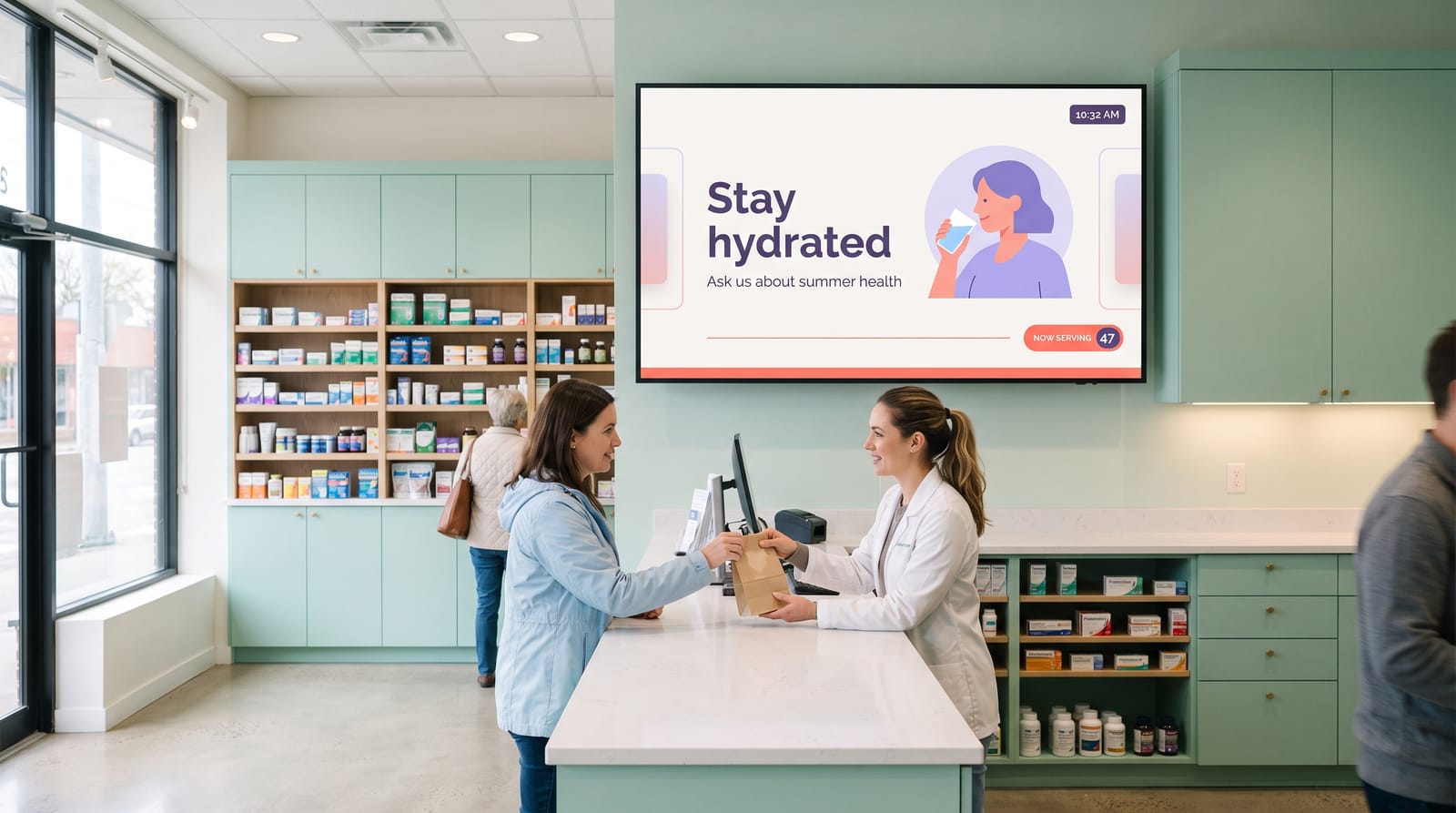
Where to put screens, and what size
| Location | Suggested size | Orientation | Job it does |
|---|---|---|---|
| Main waiting room | 43”–55” | Landscape | Health information, silent video, clock |
| Reception / check-in | 32”–43” | Portrait | Arrival guidance, opening hours, cover |
| Corridor to consulting rooms | 43” | Portrait | Wayfinding, notices |
| Pharmacy counter | 43”–49” | Landscape | Services, seasonal campaigns |
| Entrance or window | 43”–55” high brightness | Portrait | Hours, closures, out-of-hours number |
Mount lower than you would in a corridor, because your audience is sitting: the centre of the screen wants to be around 1.4 to 1.5 m, tilted down if it has to go higher. Size the smallest text at roughly 1/25 of the screen height, about 27 mm on a 55” panel. Panel choice is covered in LCD displays for digital signage.
What it costs: two worked examples
A two-screen practice
One screen in the waiting room, one at reception.
| Line | Cost |
|---|---|
| easyCMS account, 1 display licence, up to 5 displays, 1GB storage | 49 EUR one-time |
| 1 × extra display licence, same order | 66 EUR one-time |
| Software total, paid once | 115 EUR |
Licences bought in the same order as the account are 66€ each instead of 99€, a third off, applied automatically at checkout with no code to enter. Added later they are 99€ each, so the same two screens are 148€ at list.
There is no year two, and that is the whole point. Yodeck Basic at EUR 8 per screen per month is EUR 192 a year for these two screens, which is EUR 576 by the end of year three and EUR 960 by the end of year five, against 115€ paid once. The purchase pays for itself in about seven months, and after that the line is flat: by year five you are roughly 845€ ahead of that subscription, and that gap keeps widening on its own.
Against subscription platforms, using their own published list prices checked September 2026 and left in the currency each vendor quotes:
| Platform | List price | Two screens, one year |
|---|---|---|
| easyCMS | one-time, lifetime | 115 EUR, then nothing |
| Yodeck Basic | EUR 8 per screen per month | EUR 192 |
| TelemetryTV Entry | $8 per device per month | $192 |
| OptiSigns Standard | $10 per screen per month | $240 |
| ScreenCloud Core | $20 per screen per month, billed annually | $480 |
| Xibo Cloud Professional | 4,40€ per display per month | 105,60€ |
Read that as break-even, not as a saving. A first screen pays for itself against Yodeck Basic in about six months and a same-order second licence in about eight, so two screens break even at around seven months, or around nine if you add that second licence later at 99€. In year one easyCMS is not the cheapest option on this page: Xibo Cloud Professional at 4,40€ per display per month is 105,60€ for two screens over twelve months, and easyCMS only passes it at about thirteen months. Yodeck also gives one screen free forever with unlimited storage, and OptiSigns up to three free with their logo on your screen and community support only. A single-screen dental practice that can live with those limits does not need to pay us anything.
A twelve-screen clinic group
Four sites: two waiting rooms and a reception screen at the main clinic, two screens and a staff room board at each of three branches.
| Line | Cost |
|---|---|
| easyCMS PRO account, up to 25 displays, 5GB storage, proof of play, 1 licence | 299 EUR one-time |
| 11 × extra display licence at 66 EUR, same order | 726 EUR one-time |
| Software total, paid once | 1,025 EUR |
That is about 85€ a screen, once. The same twelve screens on Yodeck Basic at EUR 8 per screen per month are EUR 1,152 a year, so EUR 3,456 by the end of year three and EUR 5,760 by the end of year five: the easyCMS purchase pays for itself in about eleven months and is roughly 4,735€ better off by year five. When the group opens a fifth site, each new screen is a one-time licence rather than another EUR 8 a month for ever, and the PRO account already covers up to 25 displays.
Those eleven licences are 66€ each because they go through checkout in the same order as the account. Added later they are 99€ each, so the same twelve screens are 1,388€ at list and break-even against Yodeck moves out to roughly fourteen to fifteen months. The workings are in our guide to digital signage cost per screen.
Hardware sits alongside this. An easyCMS Android player is 499€, arrives pre-configured and includes one display licence: buying the player adds to the licence lines above rather than replacing one. An expert hour is 25€ if you want an engineer hands-on. Full detail on the pricing page.
The capex argument
Most practices budget once a year, and the difference between a capital purchase and an operating cost is not an accounting detail to a practice manager. A one-time licence is approved once and stays bought. A per-screen monthly fee has to be defended every budget round, grows the moment a partner asks for a screen in the second waiting room, and is the line that gets cut in a tight year, taking your notices with it. Every purchase comes with a VAT invoice, and you can pay by card, PayPal, local European methods or bank transfer against an invoice. More in digital signage with no monthly fee.
Running it day to day
Who updates it. One person at the front desk, about ten minutes a week. The design work happens once; after that you are editing text and swapping images.
Scheduling. Run different loops for the times the building behaves differently: arrival guidance first thing, the general health loop through the day, an out-of-hours panel from late afternoon, and a bank holiday closure layout built once and scheduled a year ahead. See scheduling content.
When the network drops. Content is cached on the player, so a broadband outage does not blank the waiting room. Whatever is scheduled keeps playing and updates arrive when the connection returns. See digital signage without internet, and troubleshooting offline displays if a screen does go quiet.
Getting started. Connect your first display, then build from a template with creating layouts.
Tip Build the closure layout before you need it. A full-screen notice for a burst pipe, a snow day or an unexpected absence takes ten minutes to design in advance and one action to publish when the morning goes wrong.
Questions practices ask
Can it call patients through to a room?
No. There is no queue management and no link to your booking or patient record system. Use a dedicated queue system on its own screen and run easyCMS on the waiting room screen beside it.
Will our IT provider have to open a firewall port?
No. The player makes an outbound encrypted connection and pulls its content. It accepts no inbound connections.
Can anyone see our waiting room remotely?
No. There is no camera. The only remote view is an optional screenshot of what the screen itself is playing, and you can choose never to use it.
Do we pay per screen every month?
No. Licences are one-time and lifetime. The only recurring plan is the Enterprise account, for organisations above 25 displays or wanting white labelling on their own domain.
Who supports us if something breaks?
The assistant and the guides are free to everyone, and an Expert Support Hour is 25€ when you want an engineer on your own setup. Options are listed in getting help and support.
Where to start
Count your screens, then decide whether any of them genuinely needs to call patients forward. If one does, budget a separate queue system for that job alone. Everything else is a small, contained project: one account, one licence per screen, a layout with opening hours in a fixed zone, and ten minutes a week.
Tell us how many rooms you are covering and whether you need hardware, and we will price it. Email info@myeasycms.com, call +48 509 937 137, or use the support request form.