software
easyCMS Licence
One additional lifetime display licence for your account. Works on Windows, Android and LG webOS.
99€
Every meeting room and event space on your screens, live from your calendars, for one payment.
| Rooms | Unlimited (3 are included without the add-on) |
|---|---|
| Term | One-time purchase, no renewal |
| Calendars | Outlook / Microsoft 365, Google Calendar, Apple, any iCal (.ics) link |
| Screens | Each screen still needs its own licence |
| Languages on screen | English, French, German, Spanish, Dutch, Italian, Polish |
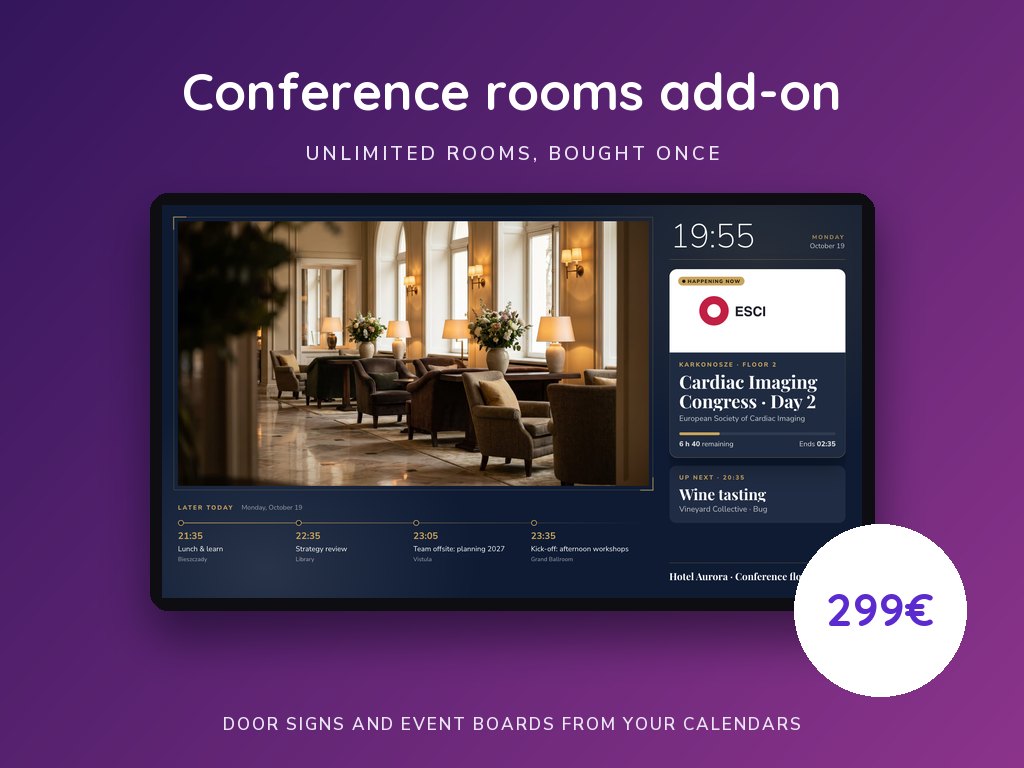
Meeting rooms and events, on every screen, from your calendars. Each room gets a door sign showing what is on now, what comes next and the rest of the day; lobby and floor screens show every room’s events with arrows to find them.
Three rooms are included in every easyCMS account. Buy the add-on with the email address of your easyCMS account: the extra rooms unlock on that account.
See the templates and how it works on meeting and conference room displays.
No. Every easyCMS account can set up three rooms with their door signs and event boards. The add-on is for the fourth room onwards, and then for as many rooms as you have.
No. The add-on unlocks unlimited rooms; each screen showing a door sign or an event board still needs its own easyCMS licence, like any other screen.
From each room's calendar link (Outlook, Microsoft 365, Google Calendar or any iCal feed), read every few minutes; from rows pasted from Excel or your hotel system's export; or typed in Studio. You can rename a booking for the screens, add the client and their logo, or hide it.
No. It is a one-time purchase for the account that buys it, with updates included for as long as you use easyCMS.
One additional lifetime display licence for your account. Works on Windows, Android and LG webOS.
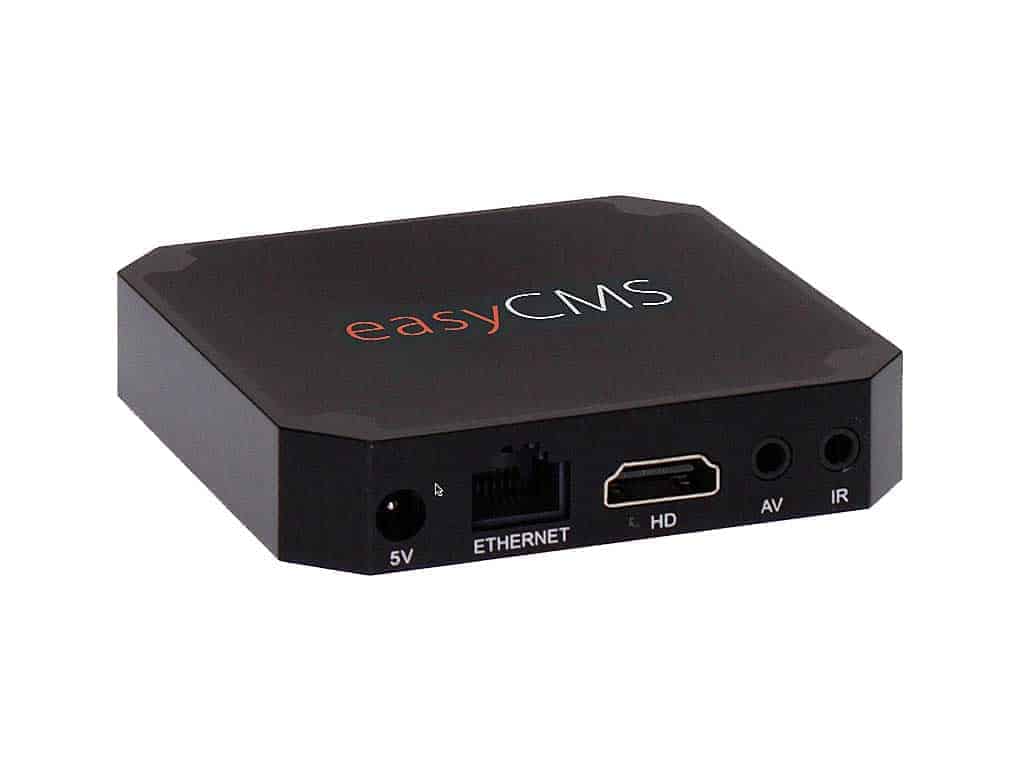
Plug-and-play Android player, delivered pre-configured with your licence installed. Full HD & 4K ready.
Your easyCMS account with one free display licence included. One-time fee, no monthly costs.
One payment of 49€, your first display licence included. Nothing renews, and the guides and the assistant are free.
easyCMS assistant
You are chatting with an AI system, not a person
Your question and any photo you attach are sent to Google to generate the answer. Please do not enter personal, payment or confidential information.
AI answers can be imperfect, for anything important, check the support guides or contact support.