Zubehör
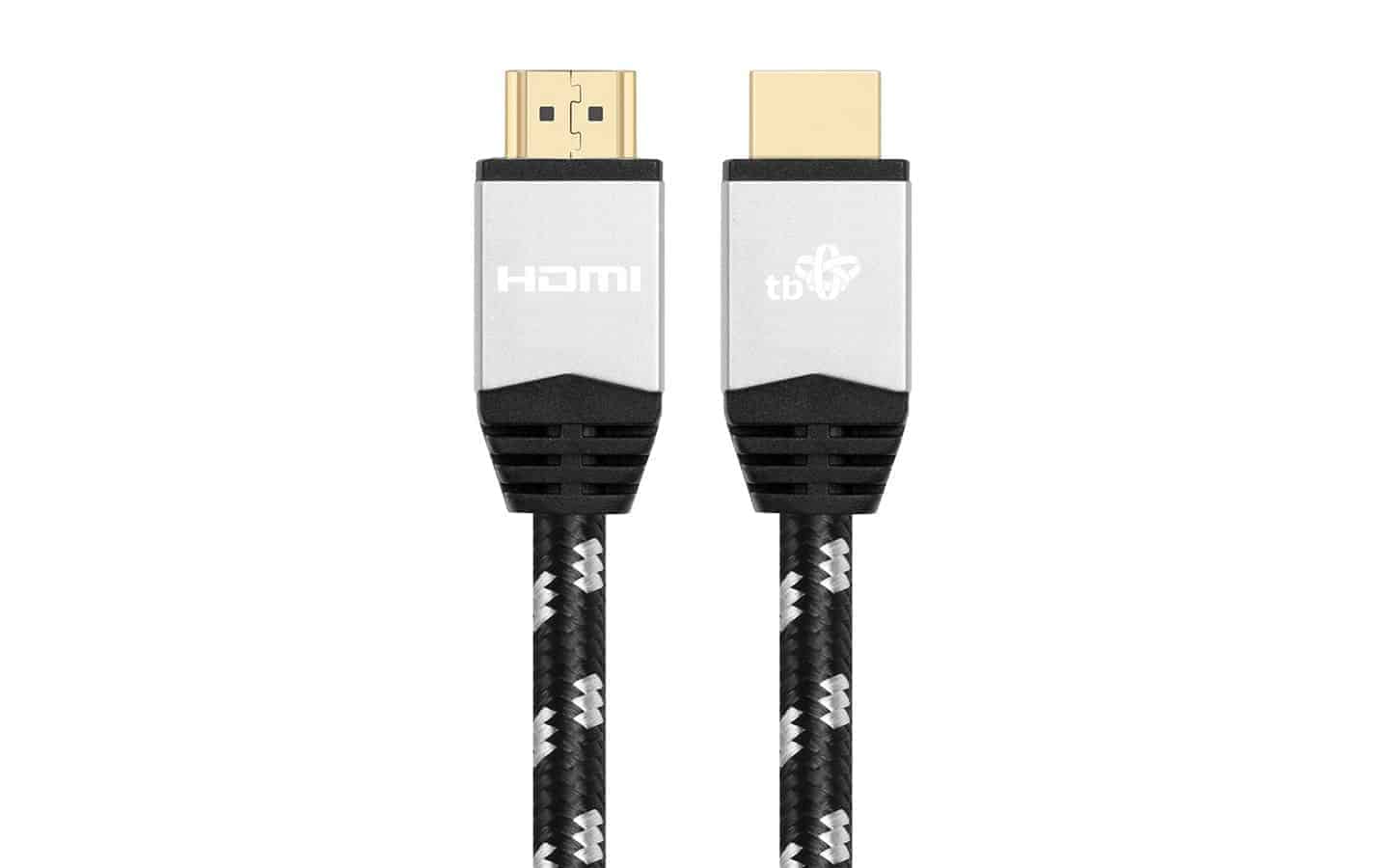
HDMI-Kabel Premium (2.0m)
High-Speed-HDMI-Kabel mit Ethernet - die zuverlässige Verbindung zwischen Player und Display.
29€
499€ einmalig, gehört für immer Ihnen
Am besten für den Bildschirm, der diese Woche laufen soll, ohne selbst Hardware zu beschaffen oder etwas zu installieren.
Zum WarenkorbWas enthalten ist
| Plattform | Android, speziell für Signage entwickelt |
|---|---|
| Display-Lizenz | Eine inklusive, deckt diesen Bildschirm ab |
| Ausgang | Full HD, 4K-tauglich |
| Betriebszyklus | 16 bis 24 Stunden pro Tag |
| Verbindung | HDMI zum Bildschirm, kabelgebundenes Ethernet oder WLAN zum Netzwerk |
| Lieferung | Kostenlos innerhalb der EU |
| Enterprise-Preis | 299€ statt 499€ |
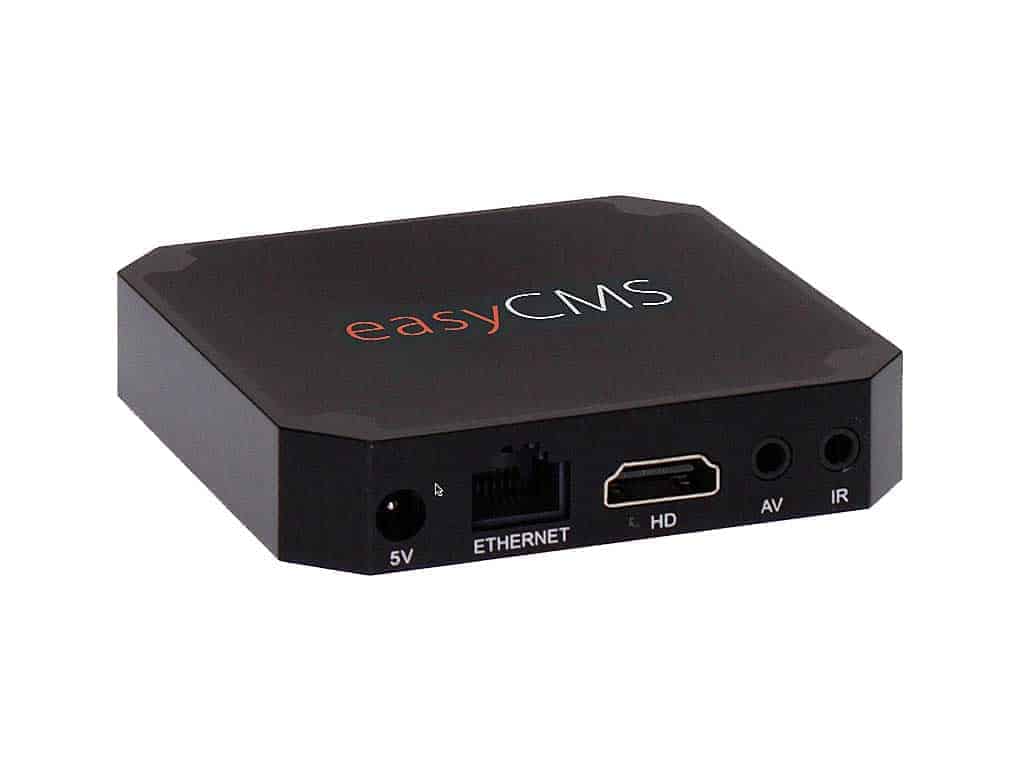
Unser easyCMS Player ist eine speziell für Digital Signage entwickelte Android-Box: genug Leistung, um Video und Bilder flüssig auf einem den ganzen Tag eingeschalteten Bildschirm laufen zu lassen, zu einem Preis, der pro Bildschirm sinnvoll ist statt pro Rack.
Die meisten Probleme, die uns bei einer neuen Installation erreichen, sind keine Softwareprobleme. Es ist ein Consumer-TV-Stick, der um Mitternacht in den Ruhezustand geht, ein Player, der nach einem Stromausfall nicht wiederkommt, oder ein Gerät, das jemand physisch aufsuchen muss, um es zu aktualisieren. Eine von uns konfigurierte und getestete Box beseitigt diese gesamte Kategorie von Problemen der ersten Woche – das ist der einzige Grund, warum wir sie überhaupt führen.
Wenn Sie bereits geeignete Hardware besitzen, nutzen Sie sie. easyCMS läuft auf Windows, Android, LG webOS Signage und Samsung Tizen, und eine 99€-Lizenz ist günstiger als dies. Der Player-Kaufratgeber geht diese Entscheidung ehrlich durch, einschließlich der Fälle, in denen Sie nicht bei uns kaufen sollten.
Der Player kommt mit installierter App, bereits eingetragener CMS-Adresse und -Schlüssel sowie einer auf dem Gerät aktivierten Display-Lizenz an. Sie schließen Strom an, schließen HDMI an, verbinden ihn mit dem Netzwerk, und der Bildschirm beginnt, das Geplante abzuspielen. Es gibt keinen Kopplungscode, der mit einer Fernbedienung eingegeben werden muss, und keine Lizenz, die im Nachhinein angewendet werden muss.
Achtung Für die Software selbst brauchen Sie trotzdem ein easyCMS-Konto: easyCMS Studio, wo Sie Vorlagen auswählen und festlegen, was wann läuft. Wenn dies Ihr erster Bildschirm ist, legen Sie das Konto für 49€ in dieselbe Bestellung.
Er ist für 16 bis 24 Stunden Nutzung pro Tag ausgelegt, was einen Laden, ein Büro, einen Schulflur oder ein Restaurant abdeckt. Für einen wirklich durchgehenden Rund-um-die-Uhr-Betrieb oder für alles in einer unbeheizten oder staubigen Umgebung sprechen Sie zuerst mit uns, und wir sagen Ihnen ehrlich, ob dies die richtige Box ist, statt Ihnen die falsche zu verkaufen.
Einrichtung, Netzwerkanforderungen und Fehlerbehebung sind in Android-Player-Einrichtung und Netzwerkanforderungen dokumentiert.
Ja. Der Player ist die Box, die den Bildschirm ansteuert; das Konto ist das CMS, in dem Sie Inhalte erstellen und planen. Wenn dies Ihr erster Bildschirm ist, kaufen Sie zusätzlich das 49€-Konto, das eine eigene Display-Lizenz für einen zweiten Bildschirm enthält.
Ja. Eine Display-Lizenz ist enthalten und bereits auf dem Gerät aktiviert, sodass der damit angesteuerte Bildschirm keinen weiteren Kauf benötigt. Das macht ihn zum Plug-and-Play-Produkt.
Er ist für 16 bis 24 Stunden pro Tag ausgelegt. Wenn Sie einen wirklich durchgehenden Rund-um-die-Uhr-Betrieb benötigen, kontaktieren Sie uns zuerst, und wir sagen Ihnen ehrlich, ob dies die richtige Box ist.
Ja, und das ist oft sogar empfehlenswert. easyCMS läuft auf Windows, Android, LG webOS Signage und Samsung Tizen. Wenn Sie einen übrigen Mini-PC oder ein Signage-Panel mit integriertem Player haben, kaufen Sie stattdessen eine 99€-Lizenz.
High-Speed-HDMI-Kabel mit Ethernet - die zuverlässige Verbindung zwischen Player und Display.
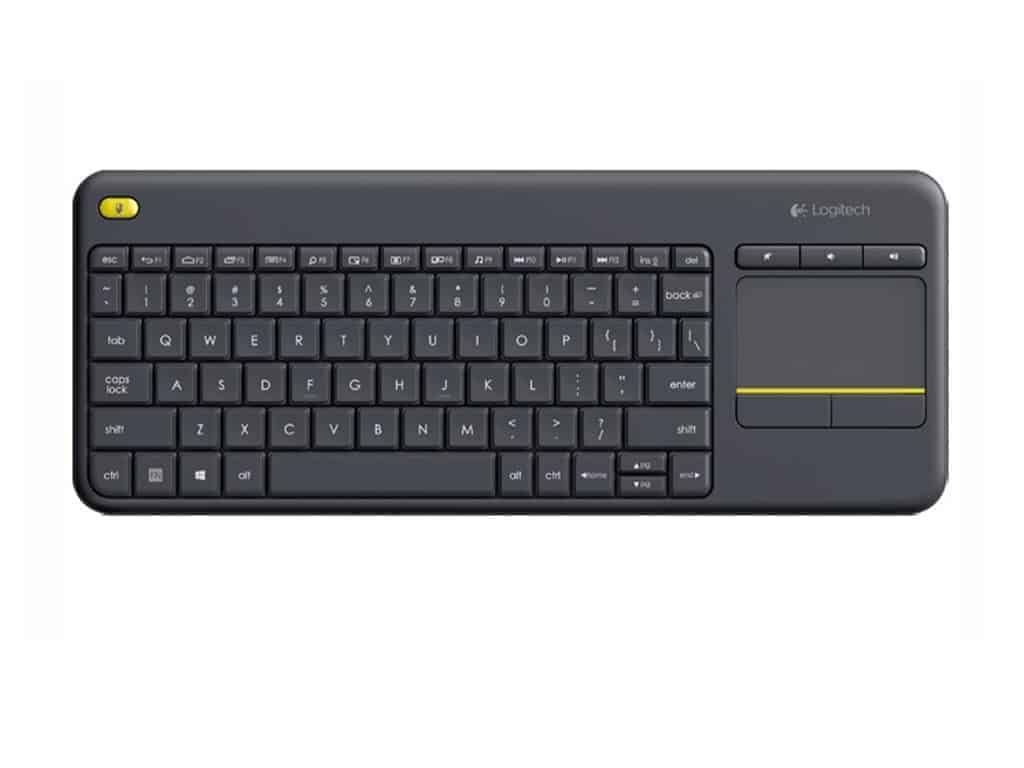
Logitech K400+ kabellose Touch-Tastatur - praktisch für die Player-Einrichtung und Anpassungen vor Ort.
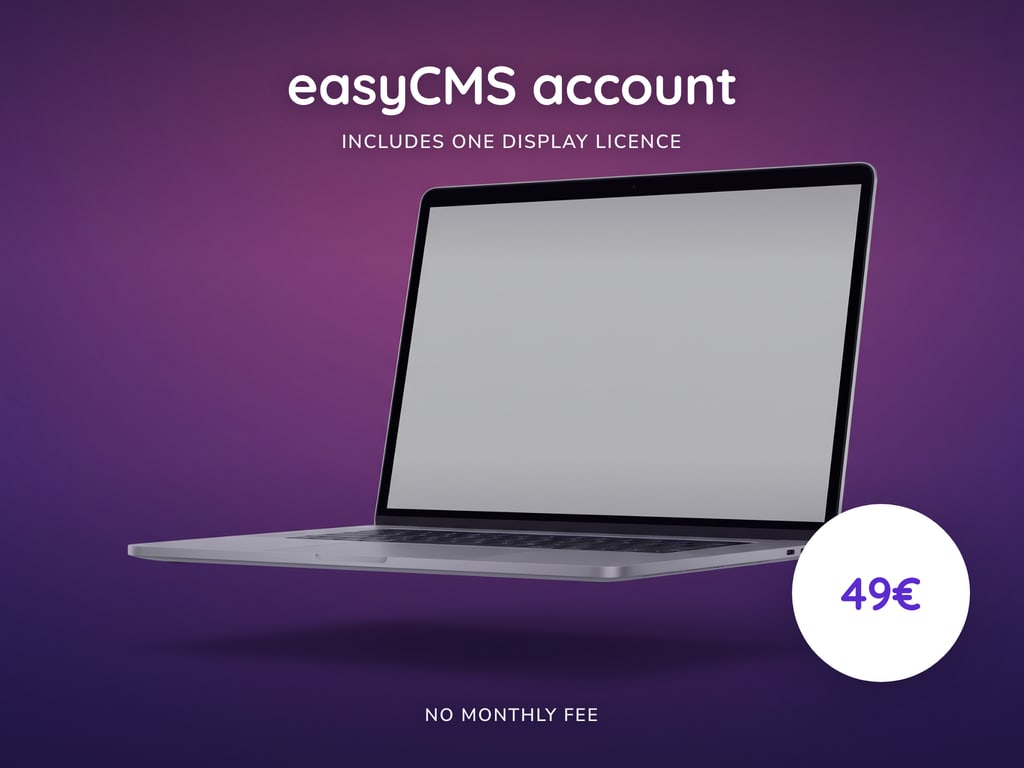
Ihr easyCMS-Konto mit einer kostenlosen Display-Lizenz inklusive. Einmalige Gebühr, keine monatlichen Kosten.
Eine einmalige Zahlung von 49€, Ihre erste Display-Lizenz inklusive. Nichts verlängert sich, und die Anleitungen und der Assistent sind kostenlos.
easyCMS-Assistent
Sie chatten mit einem KI-System, nicht mit einer Person
Ihre Frage und alle angehängten Fotos werden zur Beantwortung an Google gesendet. Bitte geben Sie keine persönlichen, zahlungsbezogenen oder vertraulichen Informationen ein.
KI-Antworten können unvollständig sein; bei allem Wichtigen prüfen Sie die Support-Anleitungen oder kontaktieren Sie den Support.